




New · the Mac app
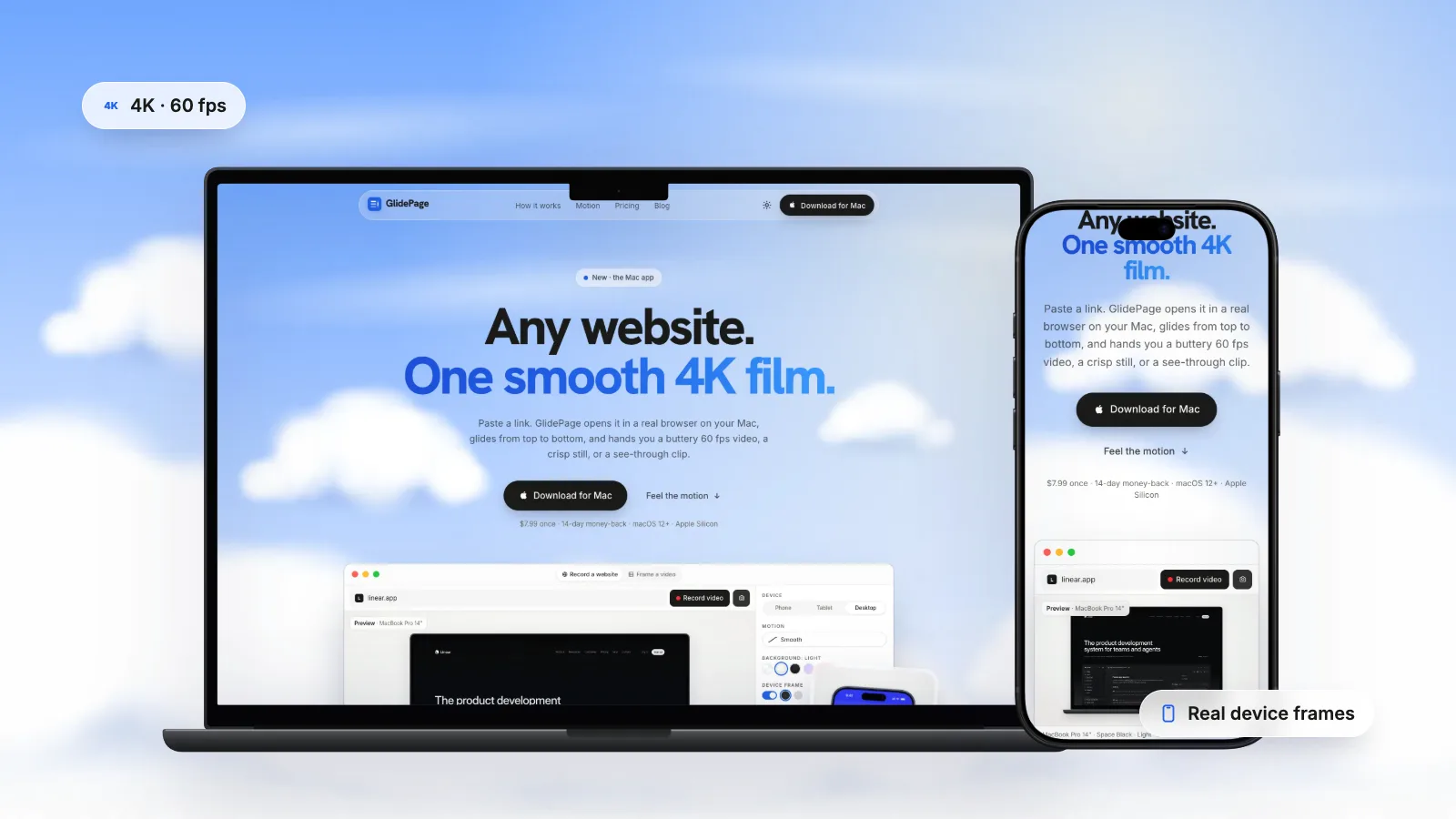
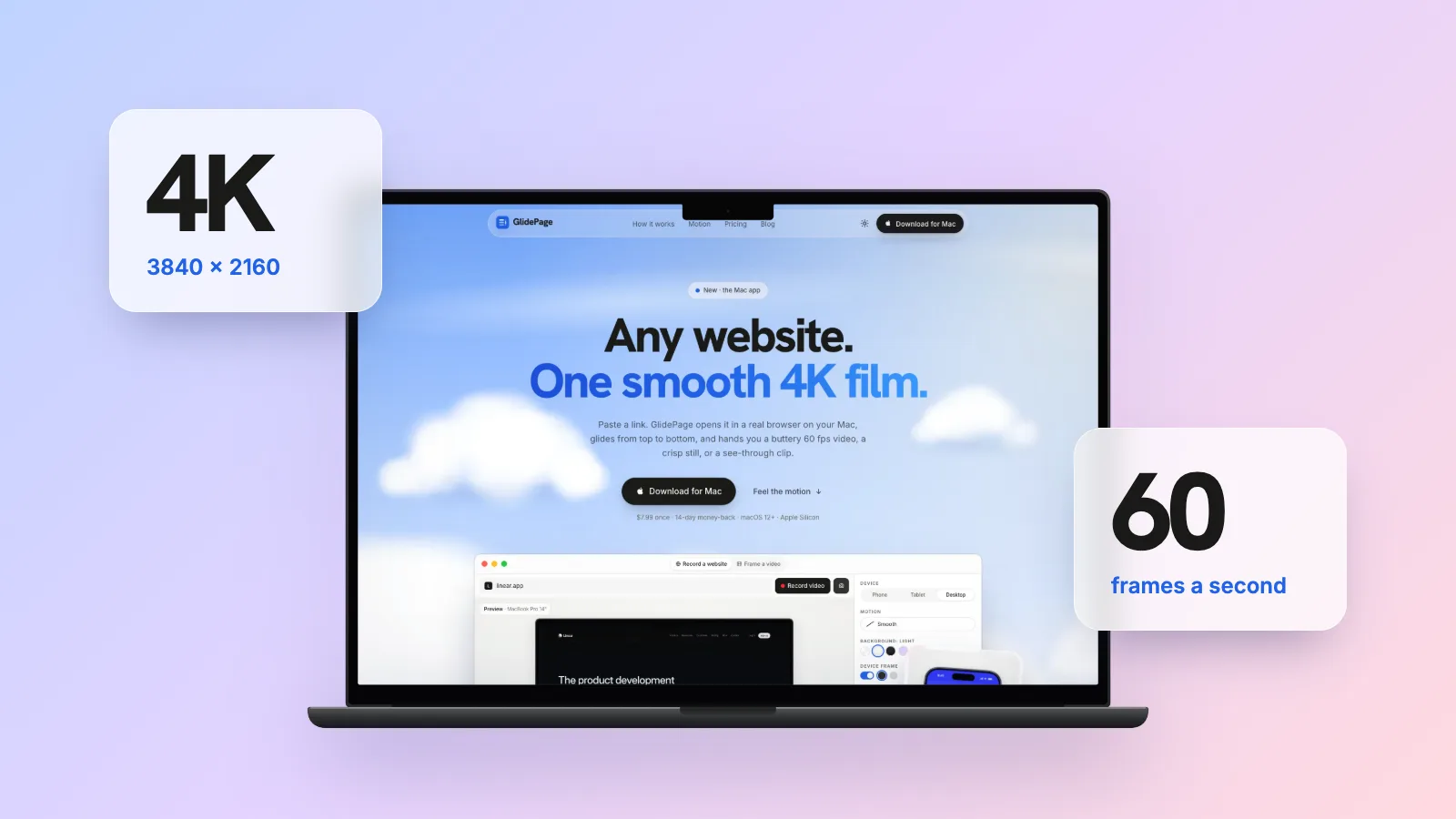
Any website.
One smooth 4K film.
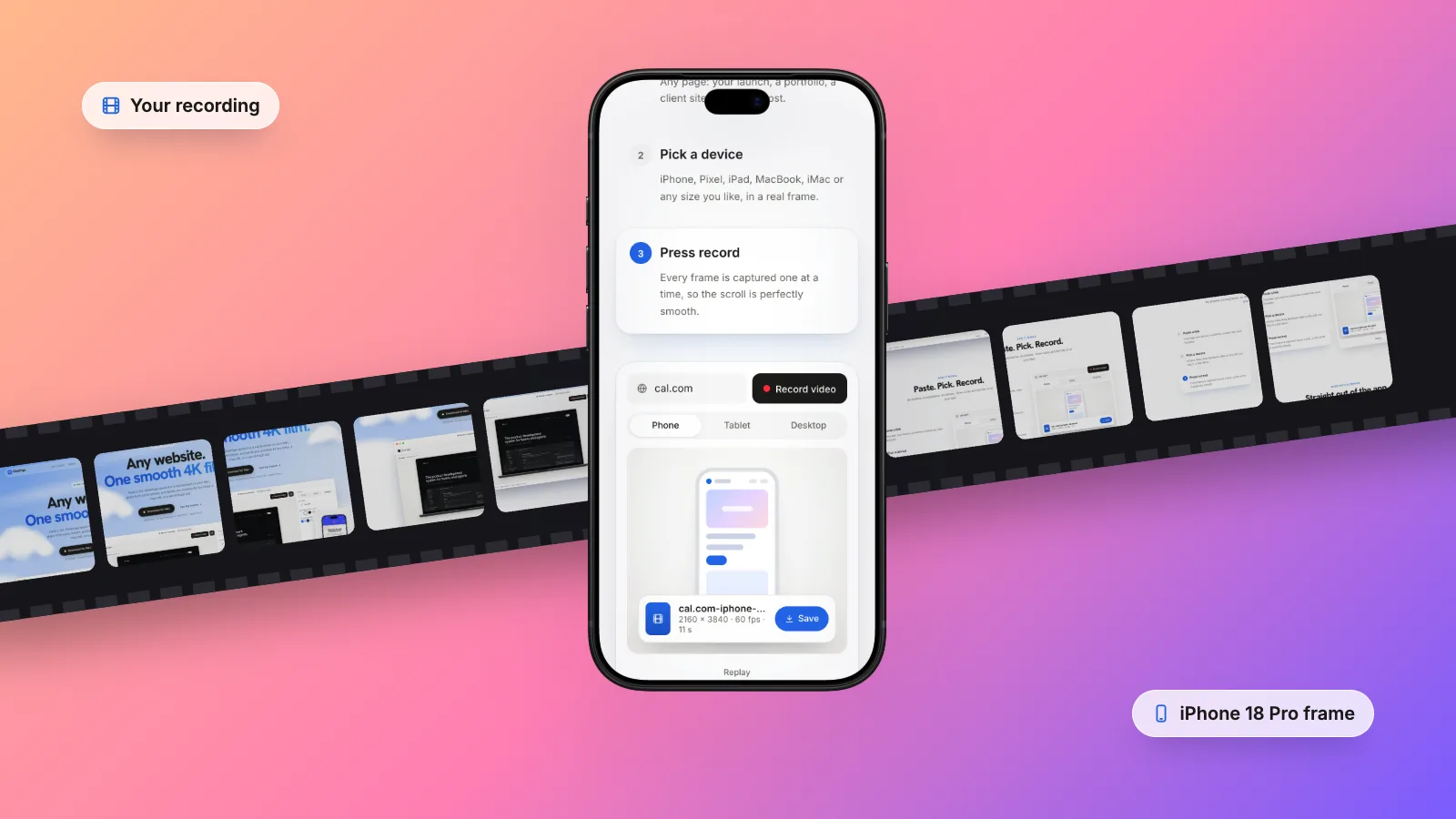
Paste a link. GlidePage opens it in a real browser on your Mac, glides from top to bottom, and hands you a buttery 60 fps video, a crisp still, or a see-through clip.
$7.99 once · 14-day money-back · macOS 12+ · Apple Silicon
 linear.appRecord video
How it works
Paste. Pick. Record.
No timeline, no keyframes, no retakes. Three clicks and the film is on your Mac.
Made with GlidePage
Straight out of the app.
No editing, no after effects. These are exports of real sites, exactly as GlidePage renders them.
 framer.comiPhone 18 Pro · LightMidnight
 resend.comiPhone 18 Pro · LightMidnightlinear.appiPhone 18 Pro · LightMidnight
 arc.netiPhone 18 Pro · LightMidnight
 cal.comMacBook Pro 14" · LightMidnight
 supabase.comMacBook Pro 14" · LightMidnight
Sites shown belong to their owners and were recorded as examples.
Why not just screen record?
Smooth, not janky.
Scrolling by hand stutters, overshoots and never looks the same twice. GlidePage captures every frame on its own, with a real easing curve.


By hand
Trackpad, a steady hand, and hope.
GlidePage
60 fps, eased, identical every time.
Motion playground
Pick a feel. Watch it move.
This is the app's real preview. Six motion styles, any speed, every device. What you see here is what you export.
Slow ends, quick middle
Photo mode
A sharp shot from anywhere.
Tap the camera, scroll to the good part, tap again. A 4K still of exactly that spot, framed and ready. Try it.
land here
Drag the bar, then snap
Backgrounds
On anything. Or on nothing.
Put the device on a soft light, a midnight glow, a gradient, your brand colour, or export it transparent and drop it straight into your edit.
Devices
Every screen your visitors use.
Real frames in their real colours, with the status bar, the island and the notch in the right place. Or any custom size.


Private by design
Everything stays on your Mac.
- Renders on your MacA built-in browser and encoder. Nothing waits in a queue on someone else’s server.
- Your work never leaves your MacPages, videos and stills never leave your machine. No account needed.
- Localhost and stagingRecord your dev server or a private staging site before it ships.
- You choose where it savesEvery export goes through the Save panel, then shows up in Finder.
Pricing
One price. Paid once.
No subscription. Early buyers pay less, and the price goes up as more people join.
Launch price, for the first 10 buyers.
Get GlidePage for $7.99One-time purchase · 14-day money-back guarantee · Use on up to 3 Macs
- 4K at 60 fps, or HD at 30 fps for speed
- Unlimited exports
- Transparent MOV for editing, WebM for websites
- 4K photos from anywhere on the page
- PNG and JPEG frame sequences
- Every device frame and aspect ratio
- Watermark optional, off by default
- All upcoming updates
Launch price $7.99 for the first 10 buyers, then $14.99 for the next 100, then $24.99. Now: Launch price.
- LaunchNowFirst 10 buyers$7.99
- EarlyNext 100 buyers$14.99
- RegularEveryone after$24.99
From the blog
Guides for making websites move.
Mockups, launch videos, transparent exports, and how to keep every scroll smooth.
FAQ
Questions, answered.
What does GlidePage make?
A smooth video of any web page scrolling from top to bottom, in 4K at 60 fps, optionally inside a real device frame on a background. It can also take a sharp still from anywhere on the page, or export with a transparent background.
Does it work on Intel Macs?
Not yet. The first version is for Apple Silicon Macs (M1 and newer) on macOS 12 or later. An Intel build is planned.
Is anything uploaded?
No. GlidePage opens the page in its own built-in browser and renders the video on your Mac. There is no account and no cloud processing. The app sends anonymous usage stats, such as whether an export worked, to help improve it; never your pages, links or videos.
Can it record localhost or staging sites?
Yes. Because it runs on your Mac, it can record localhost, your LAN and staging servers, which web-based recorders cannot reach.
Which formats do I get?
MP4 for sharing, PNG stills, PNG or JPEG frame sequences for editors, and with a transparent background, ProRes 4444 MOV for editing apps or VP9 WebM for websites.
Why not just screen record it myself?
Hand scrolling stutters, drops frames and never looks the same twice. GlidePage captures every frame one at a time with a real easing curve, so the result is perfectly smooth at any speed.
How does launch pricing work?
The first 10 buyers pay $7.99, the next 100 pay $14.99, and after that it is $24.99. Every price is a one-time purchase with all upcoming updates, so buying early simply costs less.
Is it a subscription?
No. You pay once and keep GlidePage, with all upcoming updates.
How many Macs can I use it on?
Up to 3 of your own Macs, for example a laptop and a desktop.
Can I get a refund?
Yes. If GlidePage is not right for you, email support@glidepage.app within 14 days of buying and you get a full refund.
Need help? support@glidepage.app



Make your site move.
Your next launch post, portfolio piece or App Store preview is one link away.
$7.99 once · 14-day money-back · macOS 12+ · Apple Silicon