





The GlidePage blog
Make websites move.
Guides to making website videos: scrolling recordings, device mockups, transparent exports, launch and portfolio videos, and getting them smooth, sharp and small.
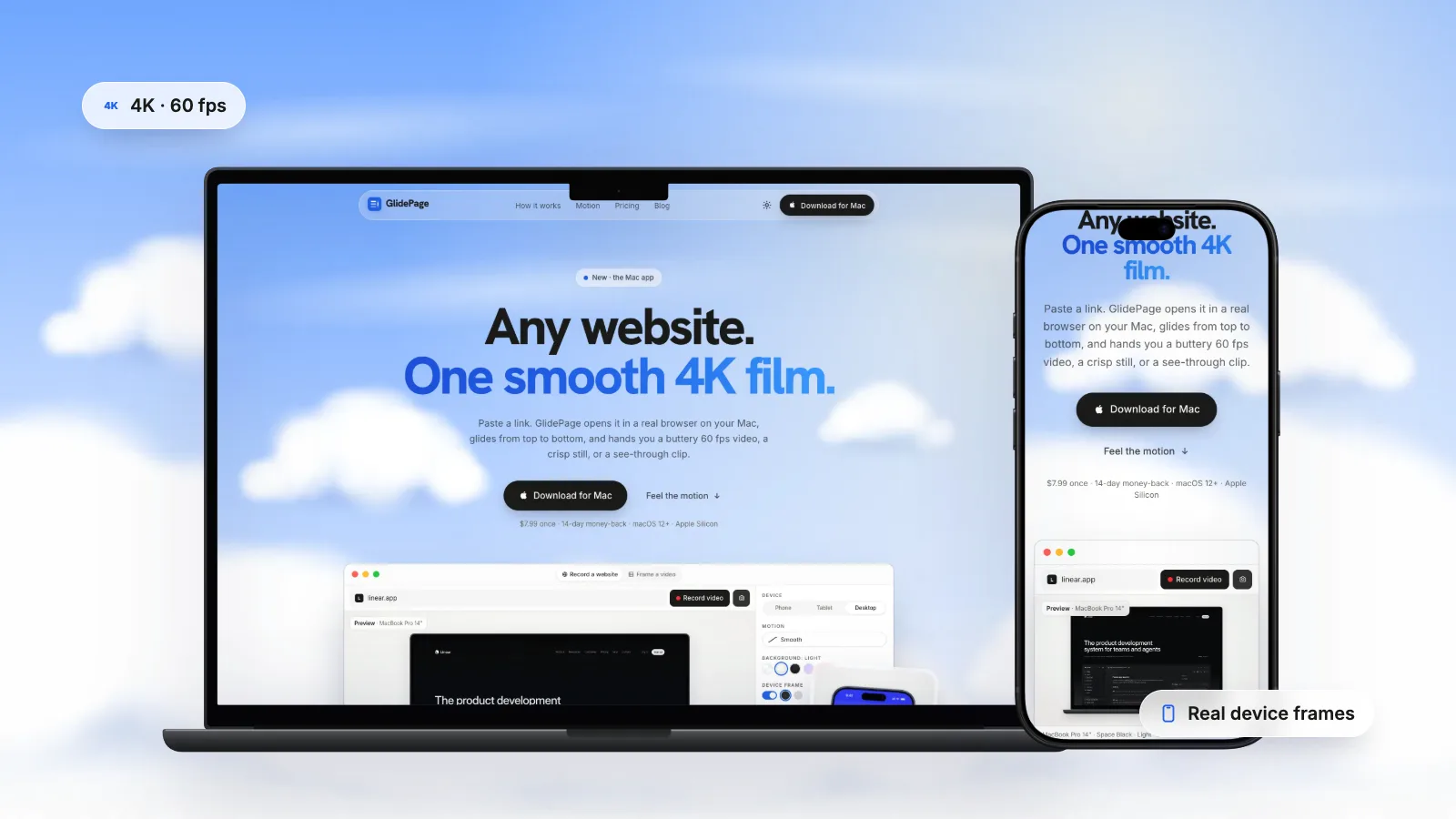
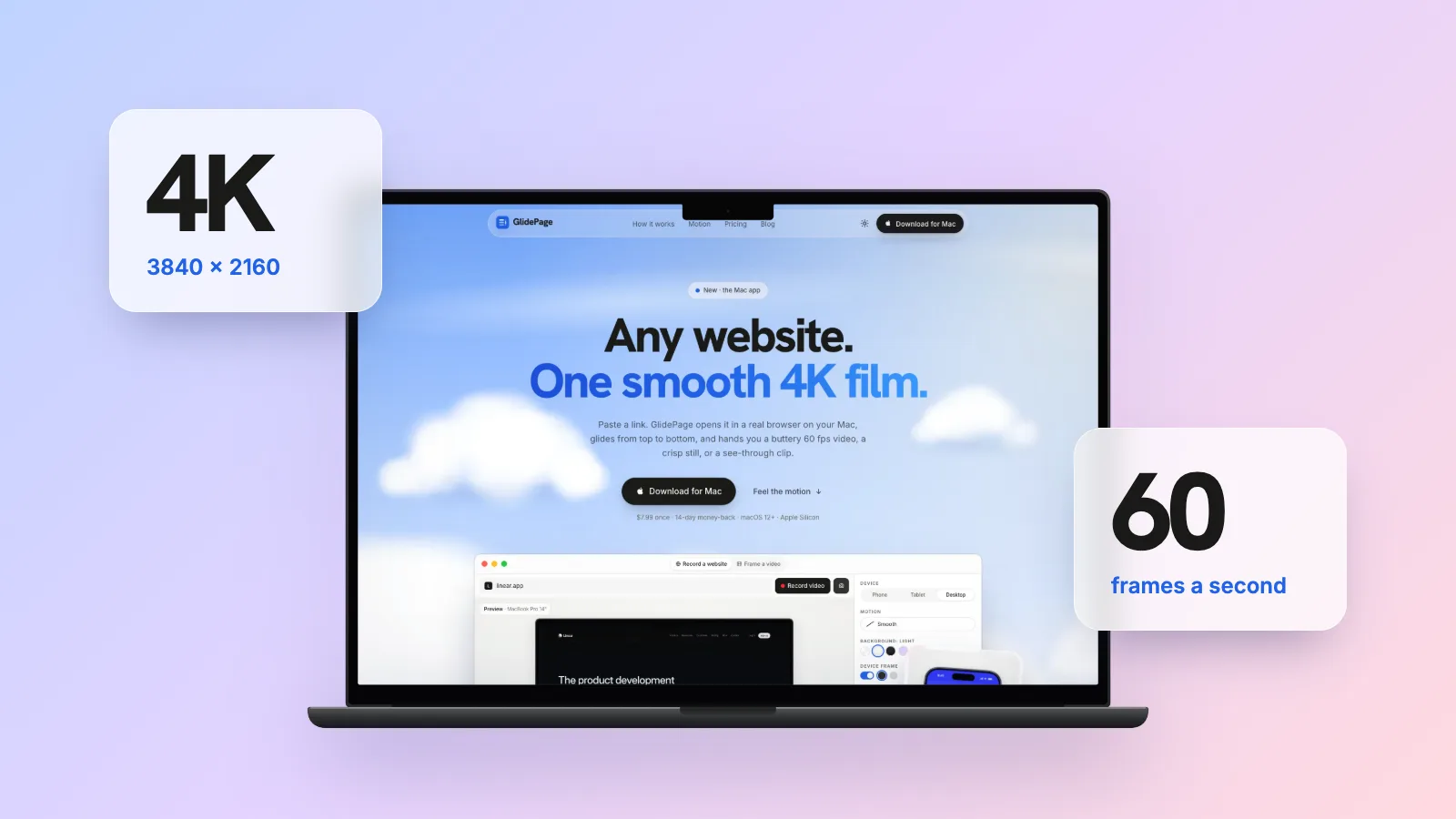
4K 60fps Website Videos on Mac: When They Are Worth It and How to Make One
A website is mostly small text in motion, which is exactly what low resolution and low frame rates ruin. Here is when 4K at 60 fps pays off, and how to get it on a Mac.
Read the guide →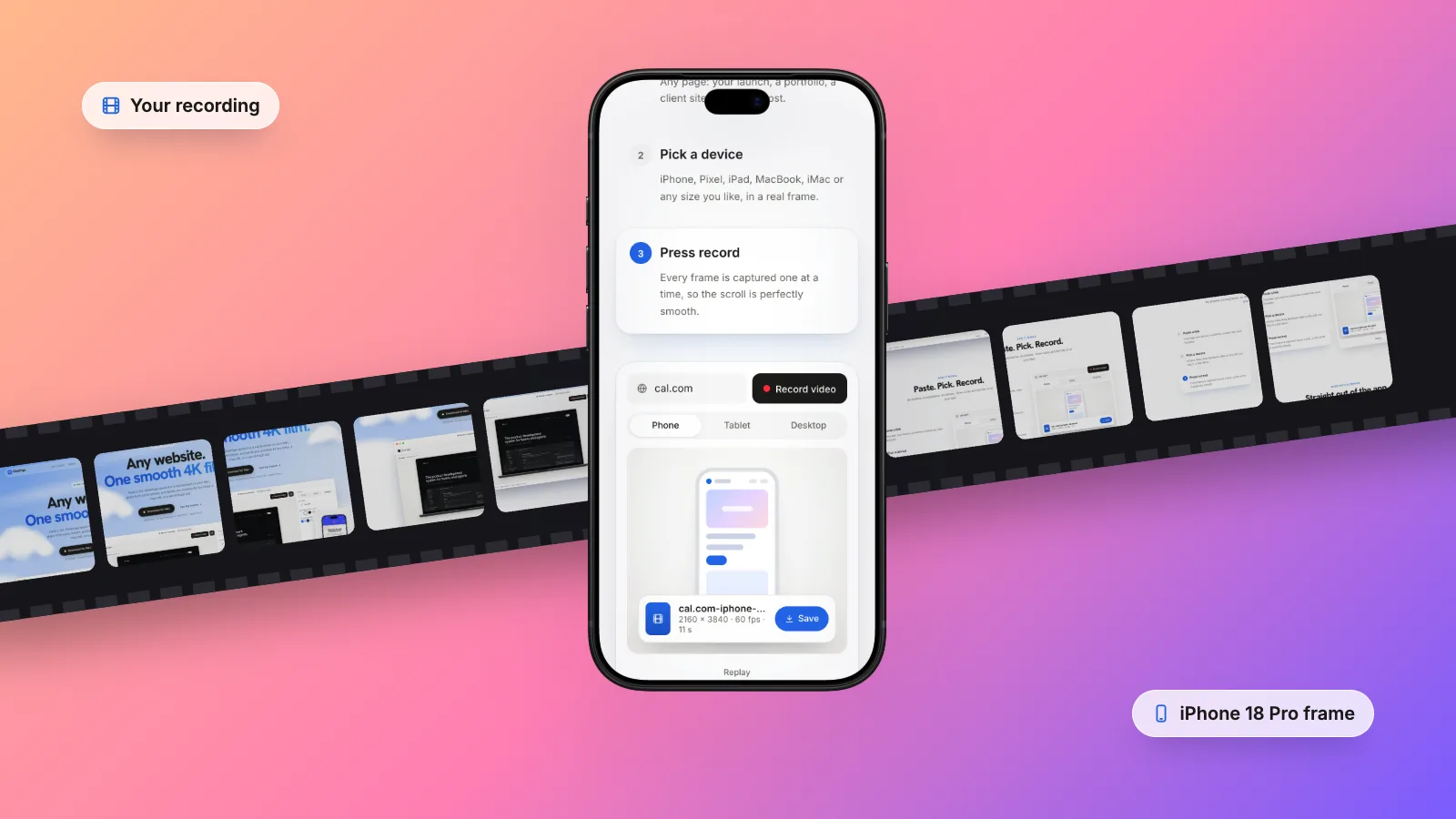
How to Put a Screen Recording in an iPhone Frame on Mac
You already have the recording. Now you want it inside a phone, on a clean background, without it looking pasted on. Here is how to do it properly on a Mac.
Read the guide →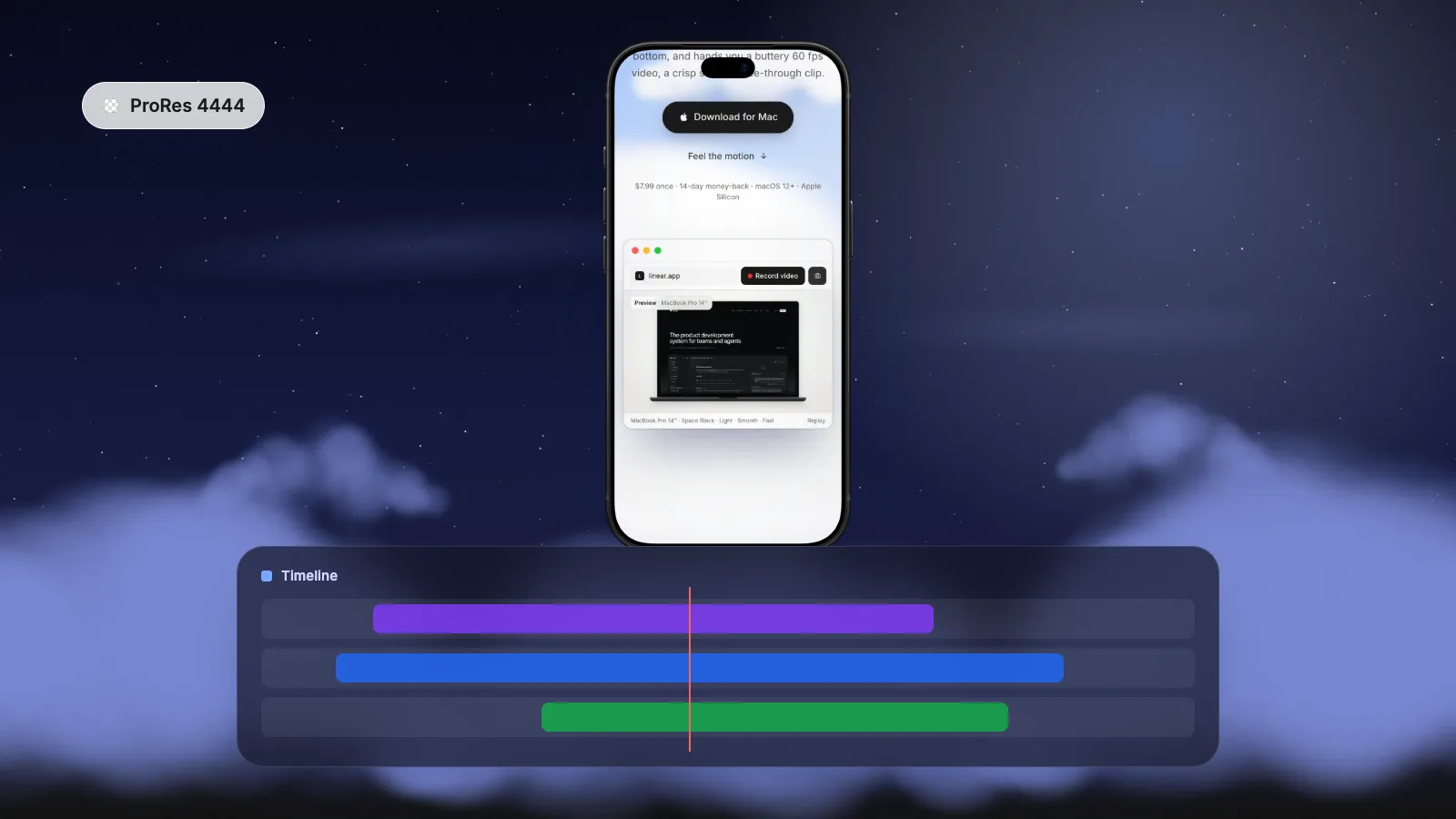
How to Add a Transparent Device Mockup in Final Cut Pro, Premiere Pro and DaVinci Resolve
Skip the template hunt. A transparent device clip on the track above your footage gives you a phone or laptop mockup you can move, scale and animate like any other layer.
Read the guide →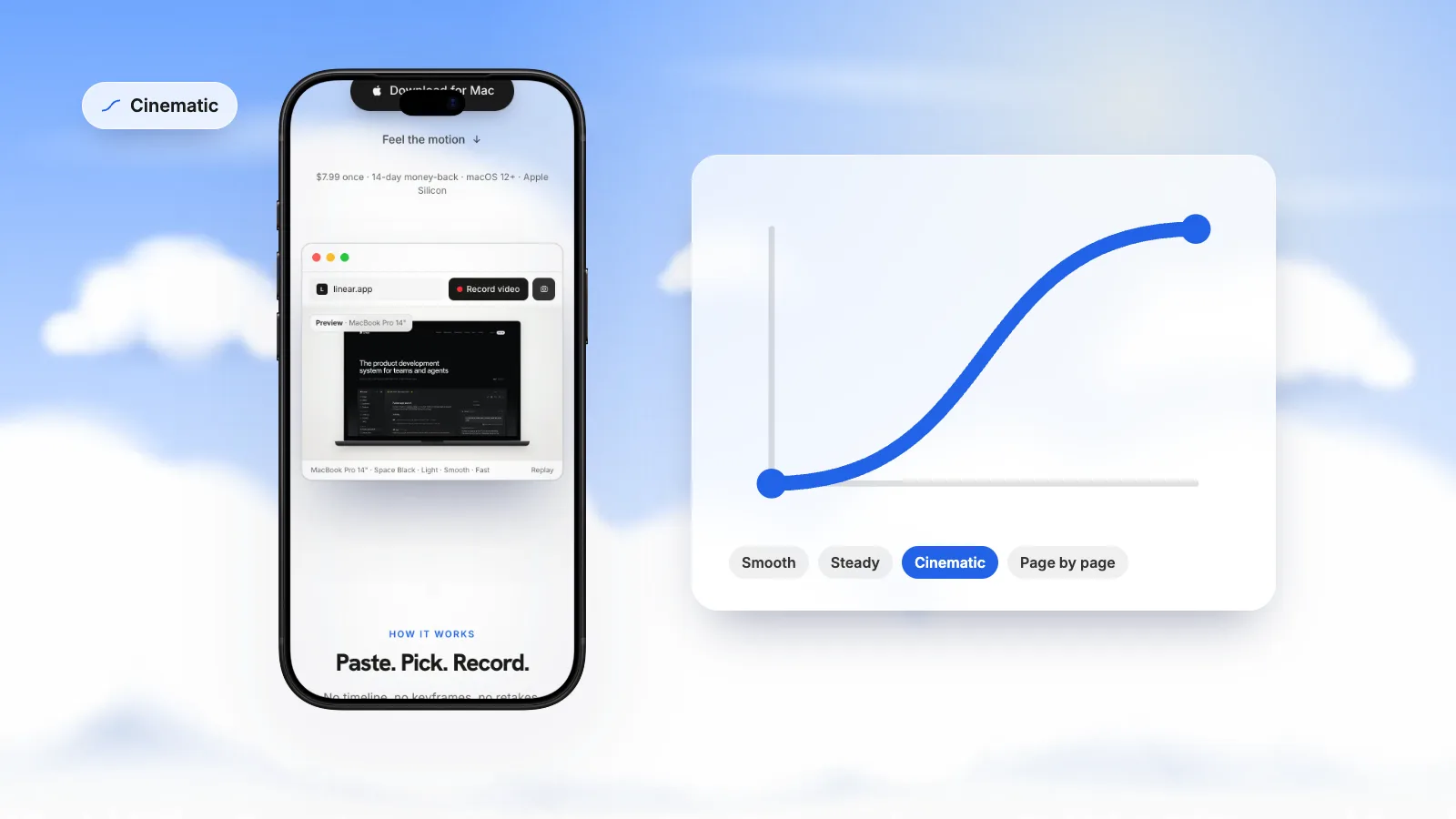
How to Animate a Website Scroll (After Effects, Keynote, and the Easing That Makes It Look Right)
The keyframes are the easy part. What makes a scrolling website animation look professional is the curve between them. Here is how to build it, and which curve suits which page.
Read the guide →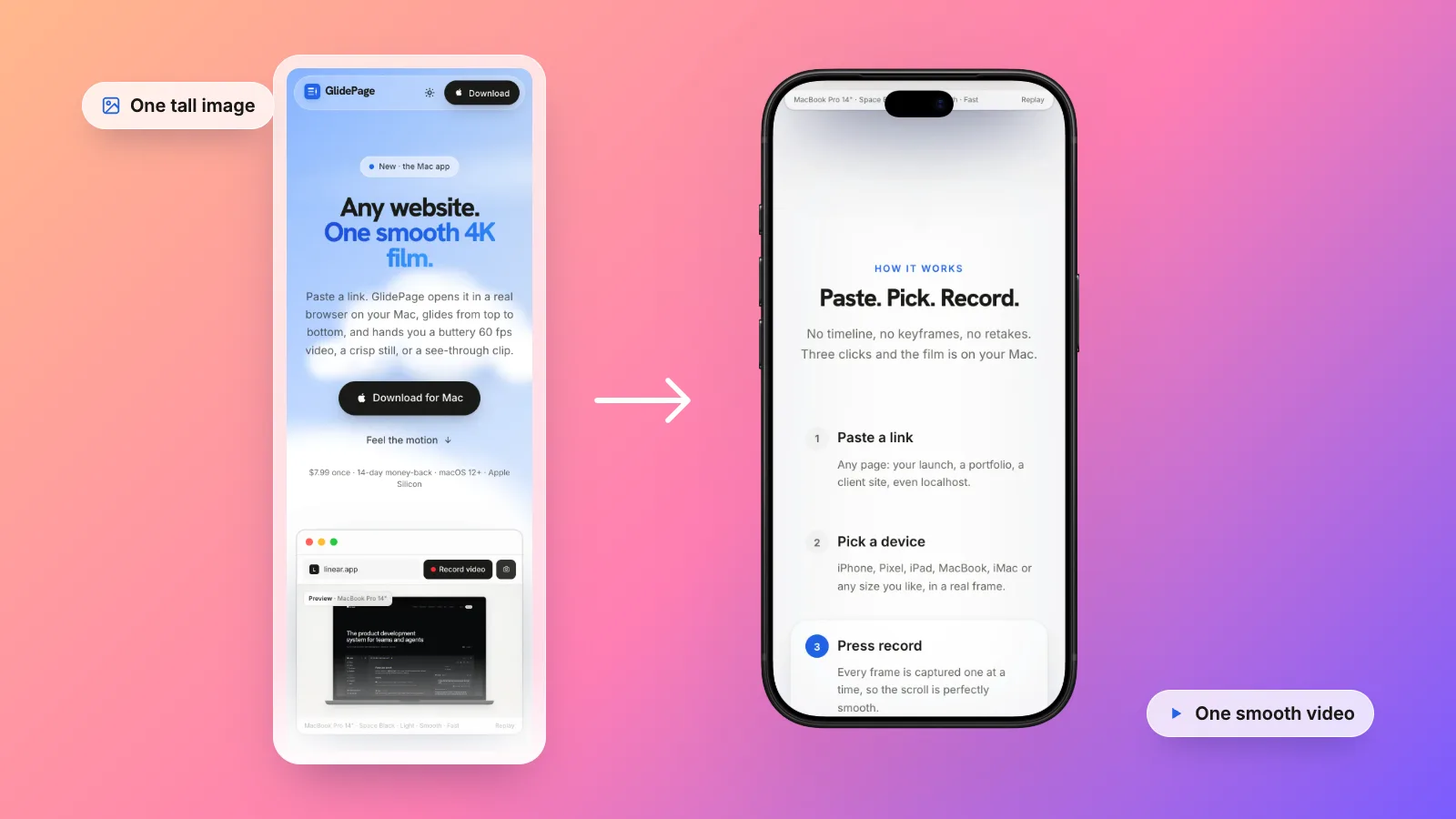
How to Take a Full-Page Screenshot on Mac (and When a Scrolling Video Is Better)
Your Mac can capture an entire web page as one tall image, for free, in any major browser. Here is how, what tends to go wrong, and when a video is the better format.
Read the guide →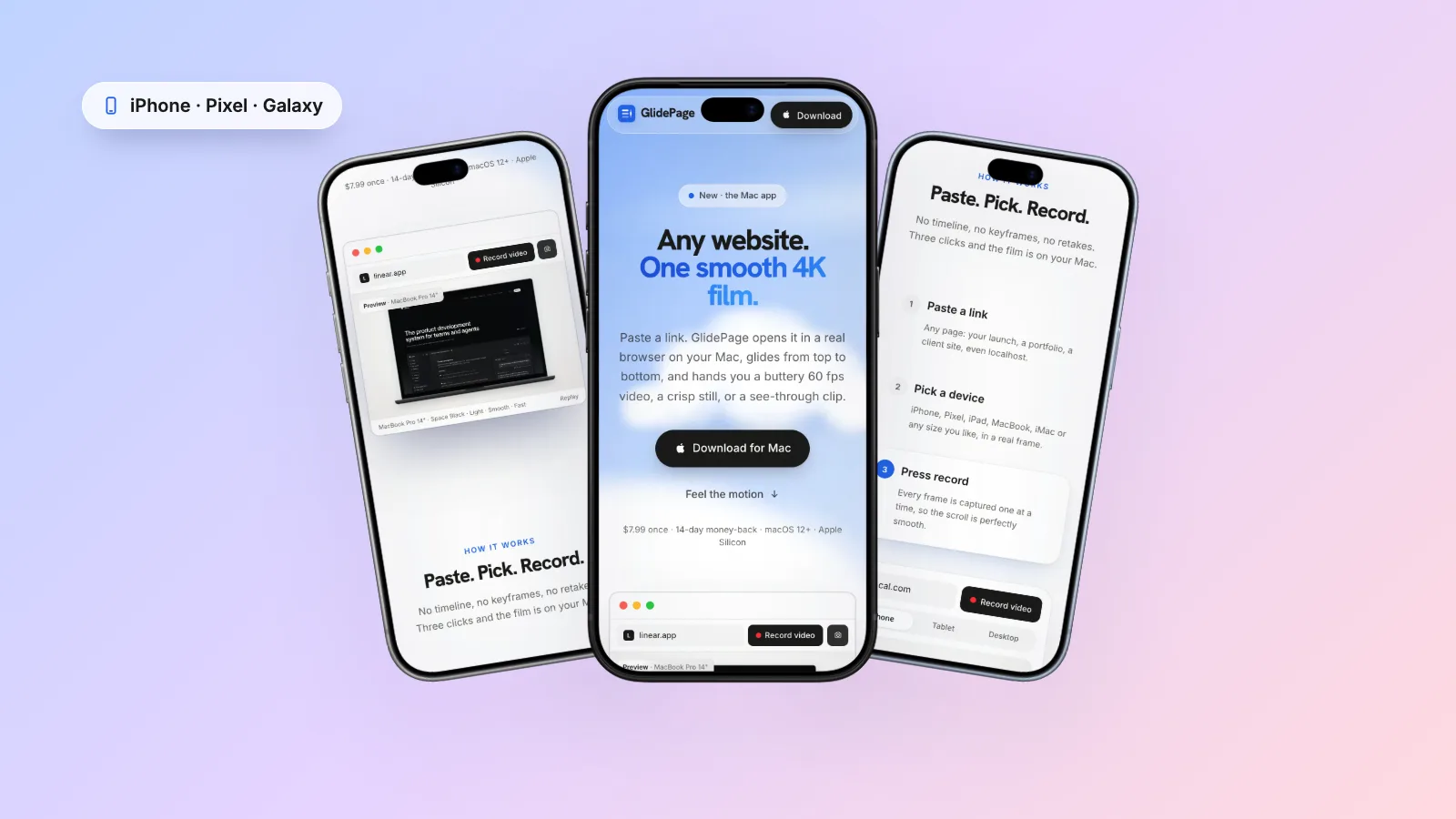
How to Make a Mobile Website Mockup Video (iPhone, Pixel and Galaxy)
A phone-shaped video of your site is one of the most useful assets you can make for social. The trick is showing the real mobile design, not a shrunken desktop page.
Read the guide →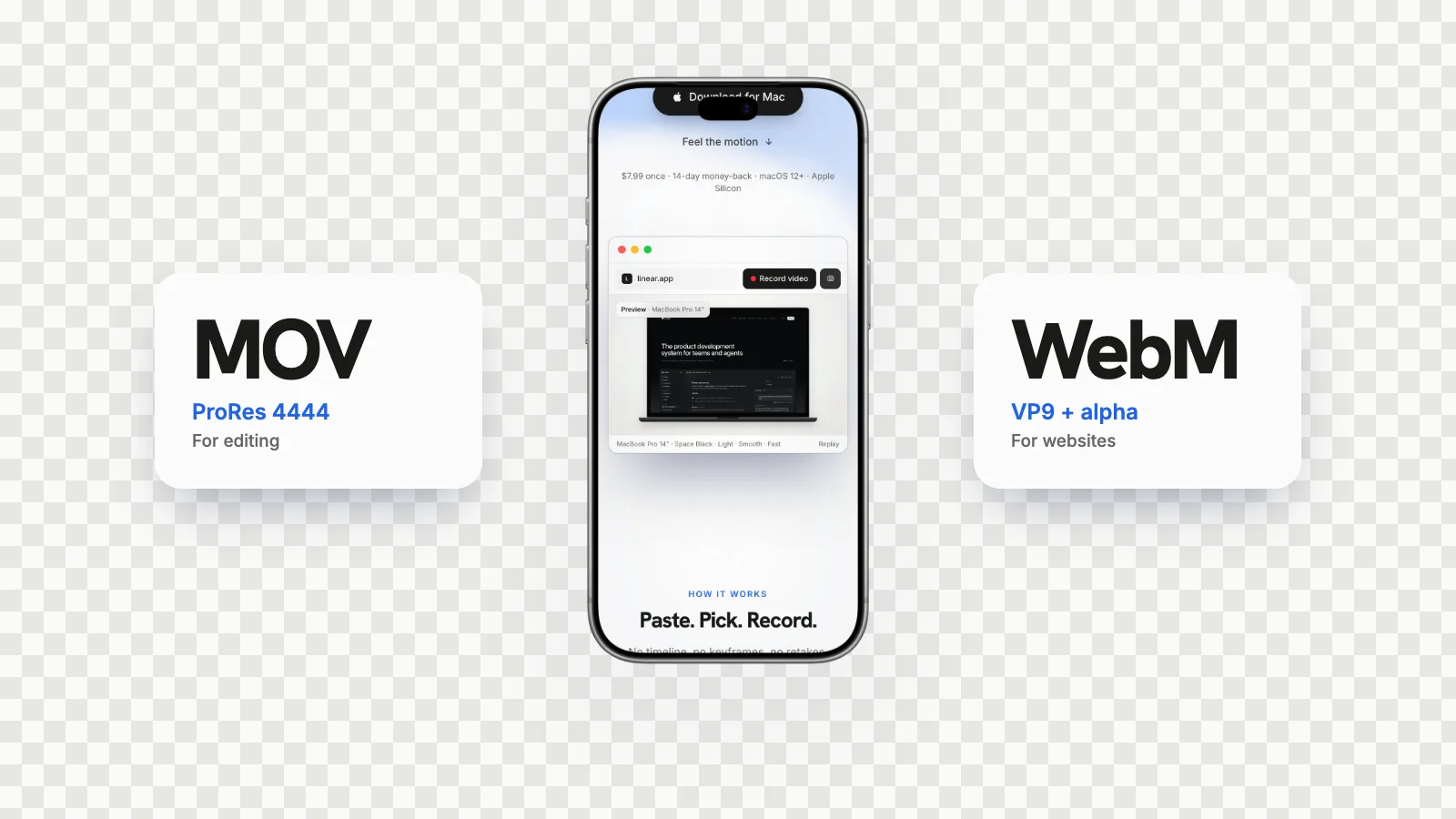
ProRes 4444 vs WebM with Alpha (and HEVC): Which Transparent Format Should You Use?
Two files, one transparent video: a huge MOV and a small WebM. They are not interchangeable. Here is what each one is for, and where Apple's HEVC with alpha fits in.
Read the explainer →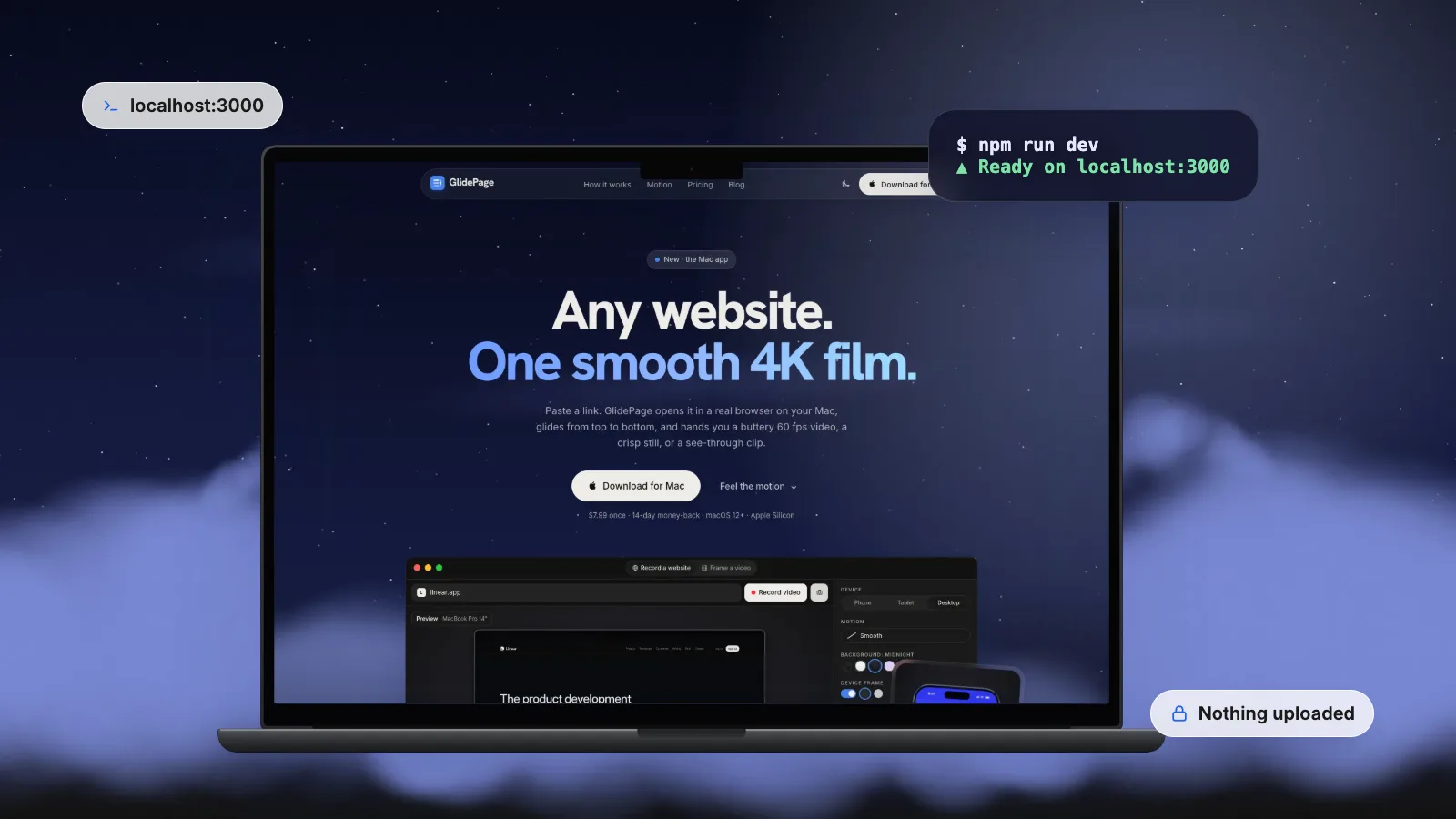
How to Record a Demo Video of a Localhost or Staging Site
The launch video should be ready before the launch. Here is how to record a site that only exists on your machine or your office network, without handing it to anyone.
Read the guide →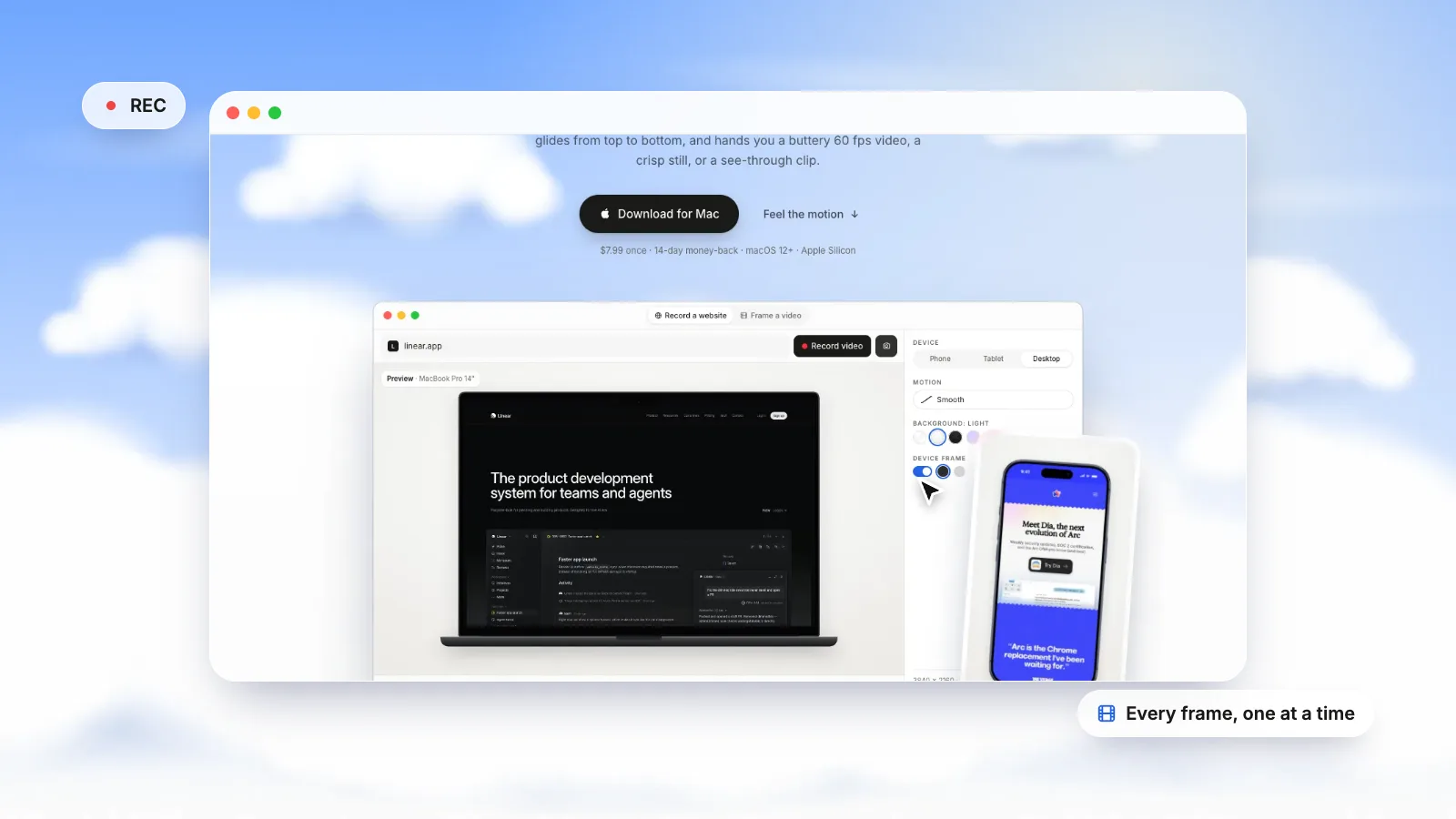
How to Record a Scrolling Screen on Mac (Built-in Tools, Step by Step)
macOS can already record you scrolling through a page. Here is how to do it properly, how to get a steadier take, and when a different approach works better.
Read the guide →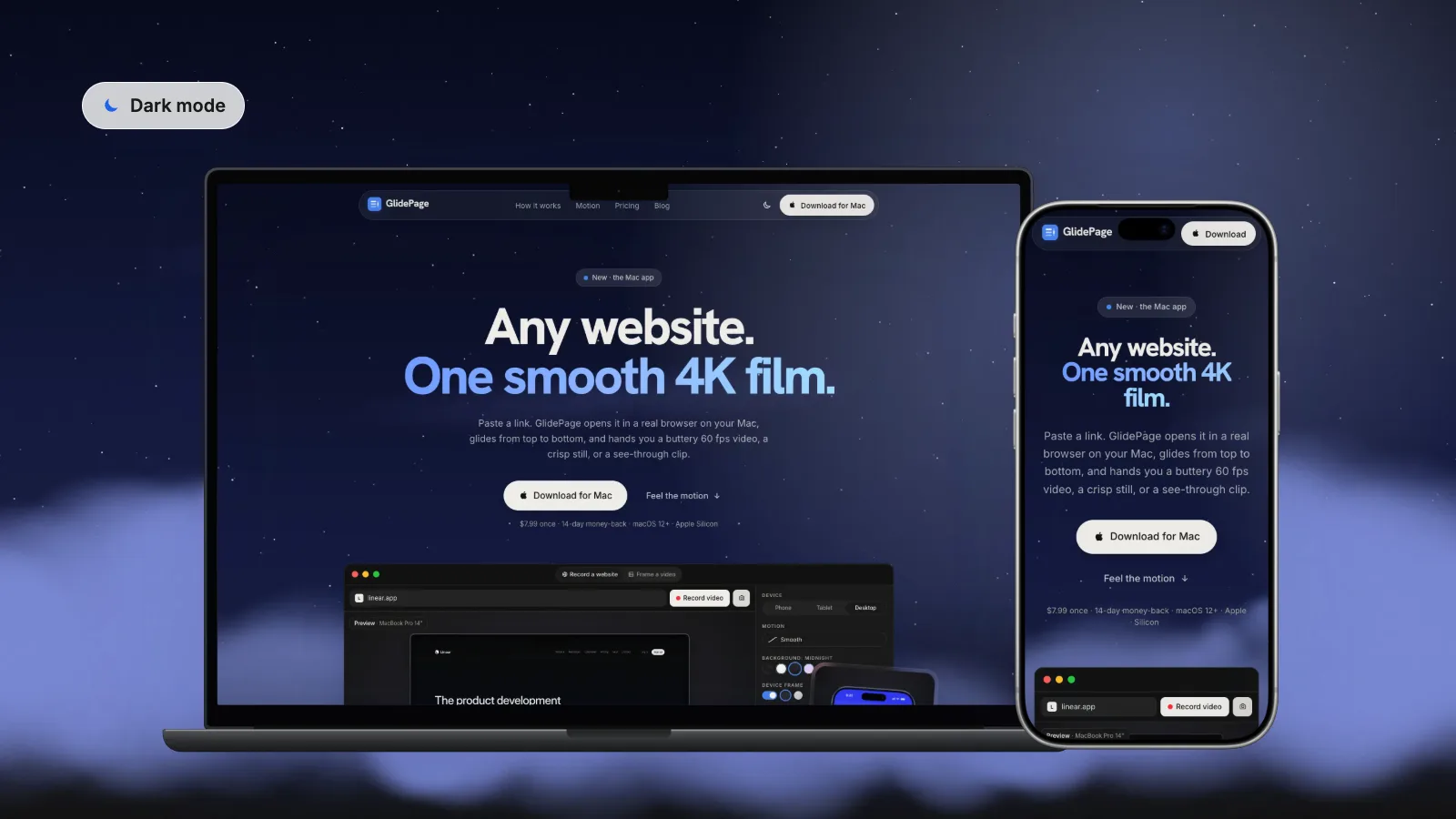
How to Screenshot or Record Any Website in Dark Mode
Most sites with a dark theme only show it when your system asks for it. Here is how to ask for it just for the page you are capturing, for a screenshot or a video.
Read the guide →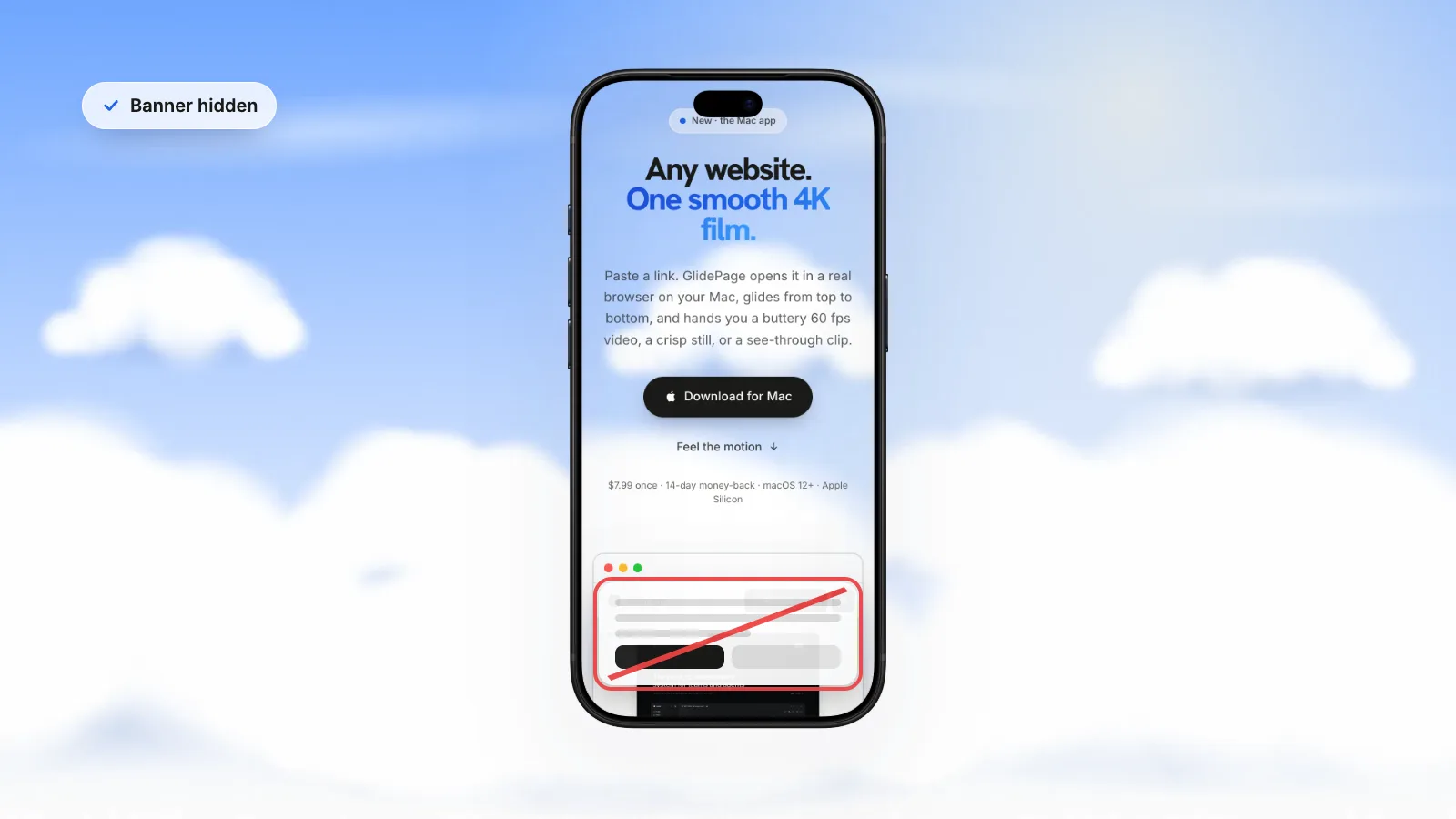
How to Take Screenshots and Videos of a Website Without Cookie Banners
A consent banner is the first thing anyone notices in a website screenshot, and in a video it sits there the whole time. Here is how to get it out of the shot, cleanly and honestly.
Read the guide →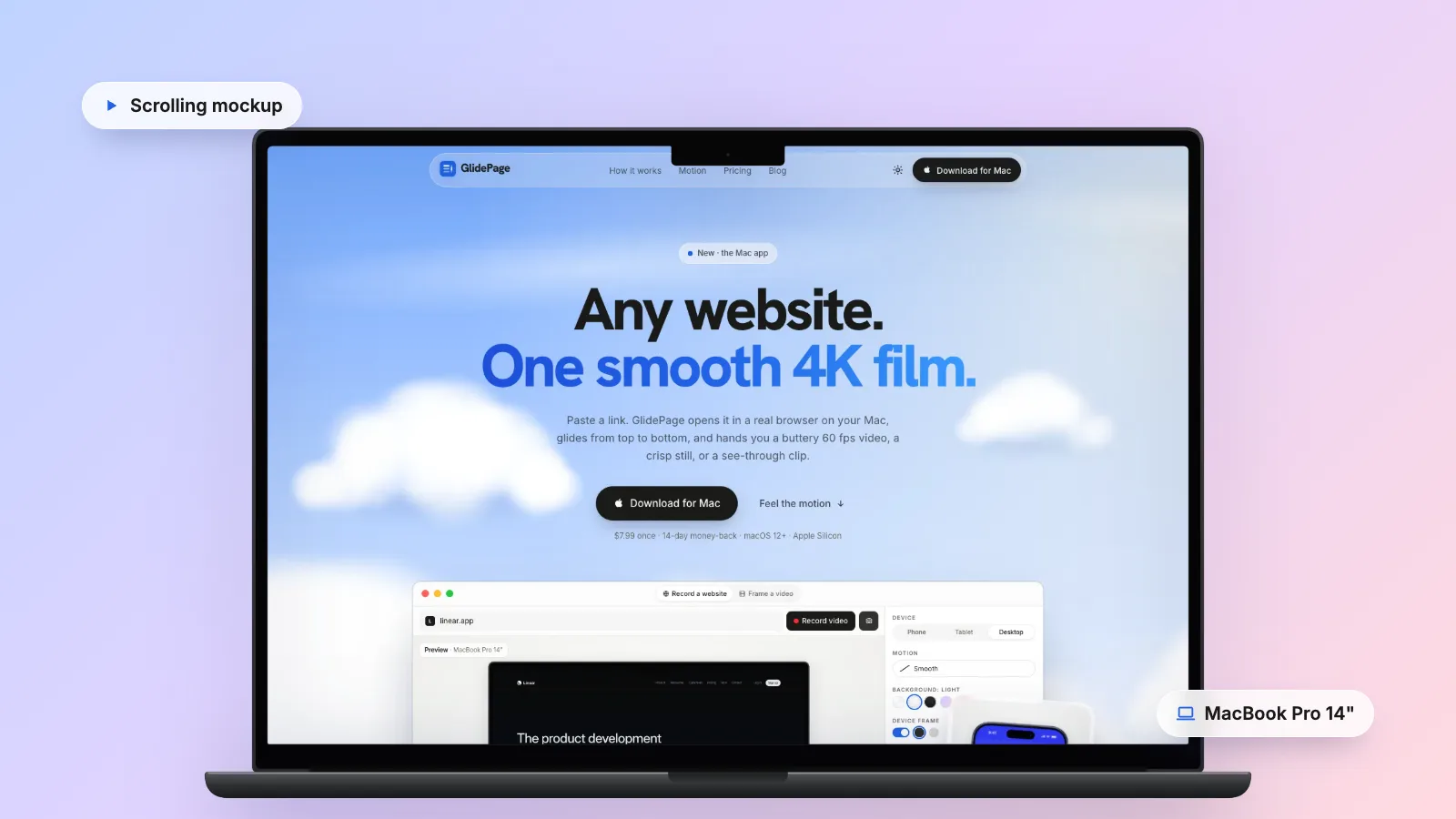
How to Make a Scrolling Website Mockup (Laptop, Phone and Tablet)
A website scrolling inside a laptop or phone looks finished in a way a bare screen recording never does. Here is how to build one by hand, and how to skip the fiddly parts.
Read the guide →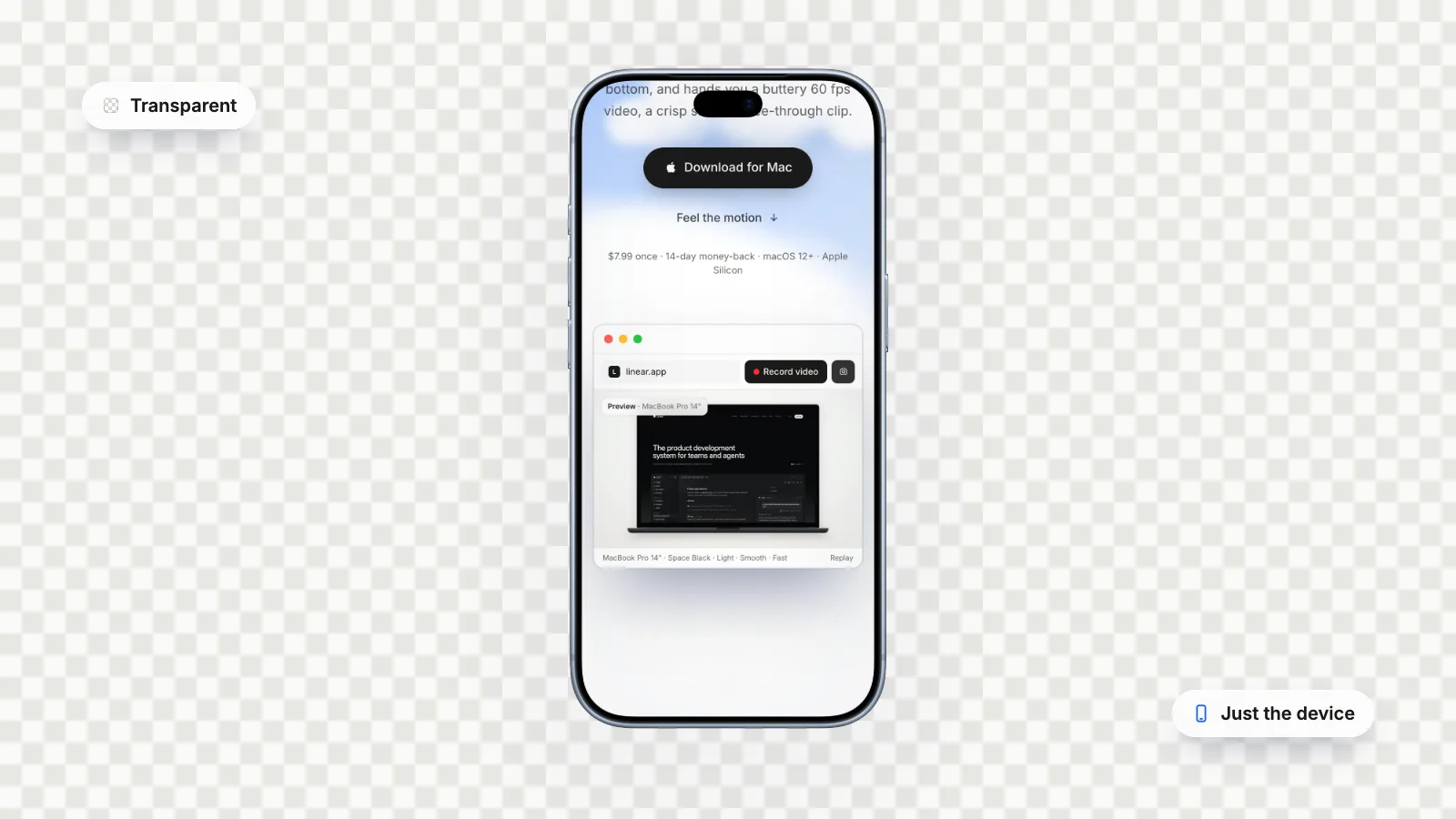
How to Make a Video with a Transparent Background on Mac (Alpha Channel Export)
A transparent video lets a phone, a logo or a title float over anything you put behind it. Here is how to export one on a Mac that actually stays transparent.
Read the guide →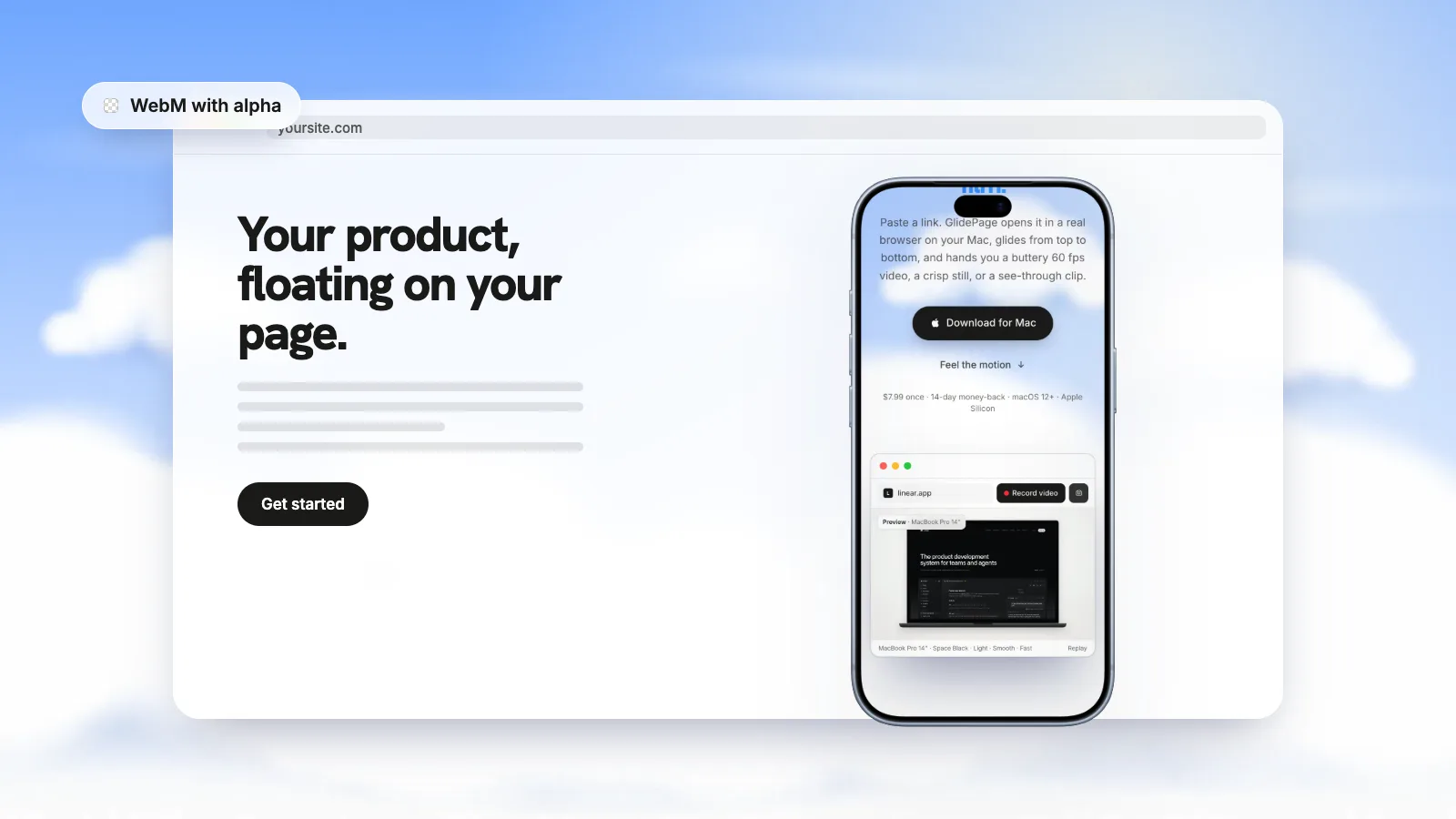
How to Use a Transparent Video on Your Website (Safari, Chrome and Firefox in 2026)
A transparent WebM looks perfect in Chrome and sits in an opaque box in Safari. Here is why, and a setup that gives every browser a file it can actually show transparently.
Read the guide →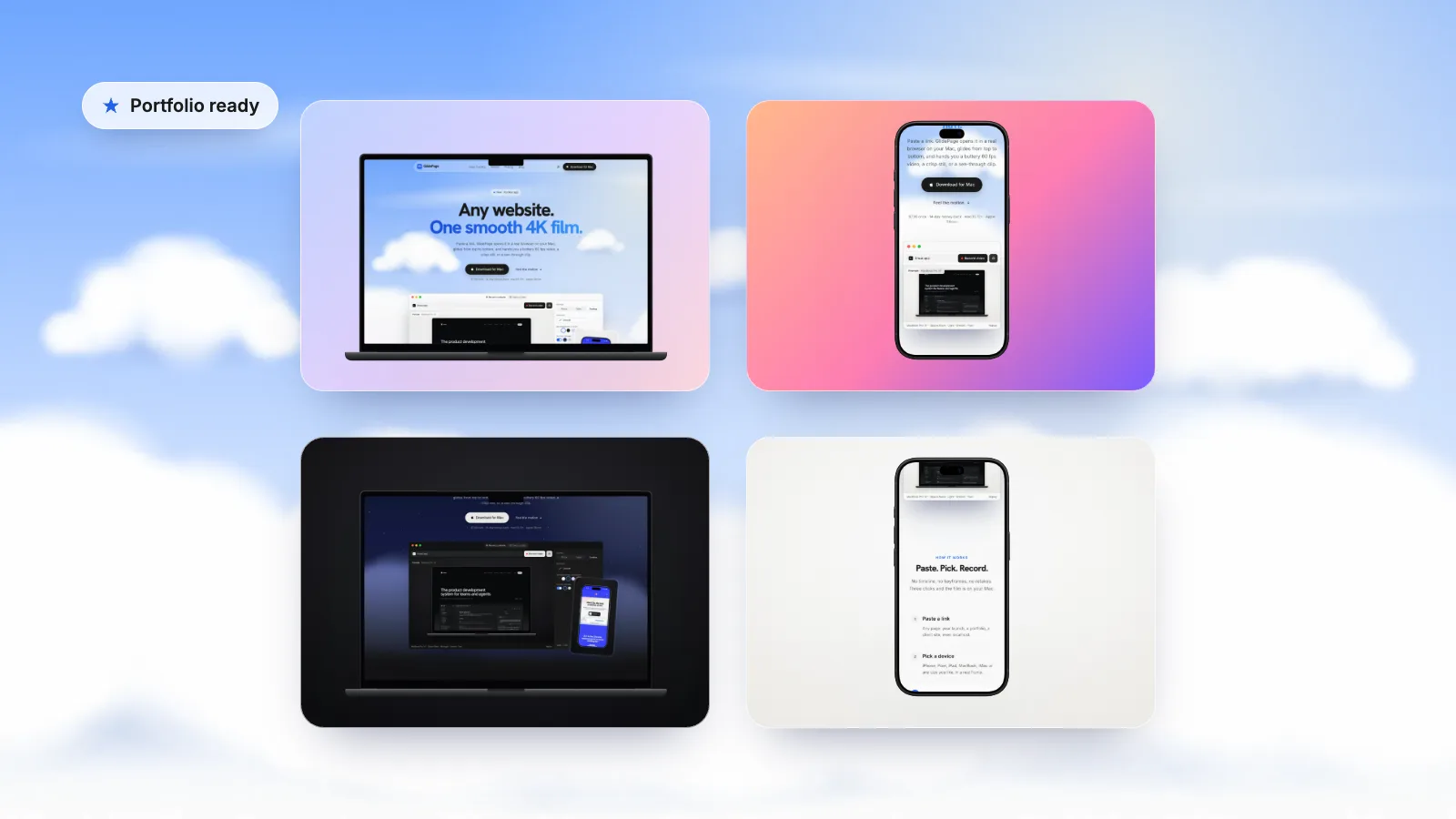
How to Showcase Websites in a Web Design Portfolio (Video, Mockups and Stills)
Live links break, clients redesign, and screenshots flatten your best work. Here is how to present websites so the portfolio still works in five years.
Read the guide →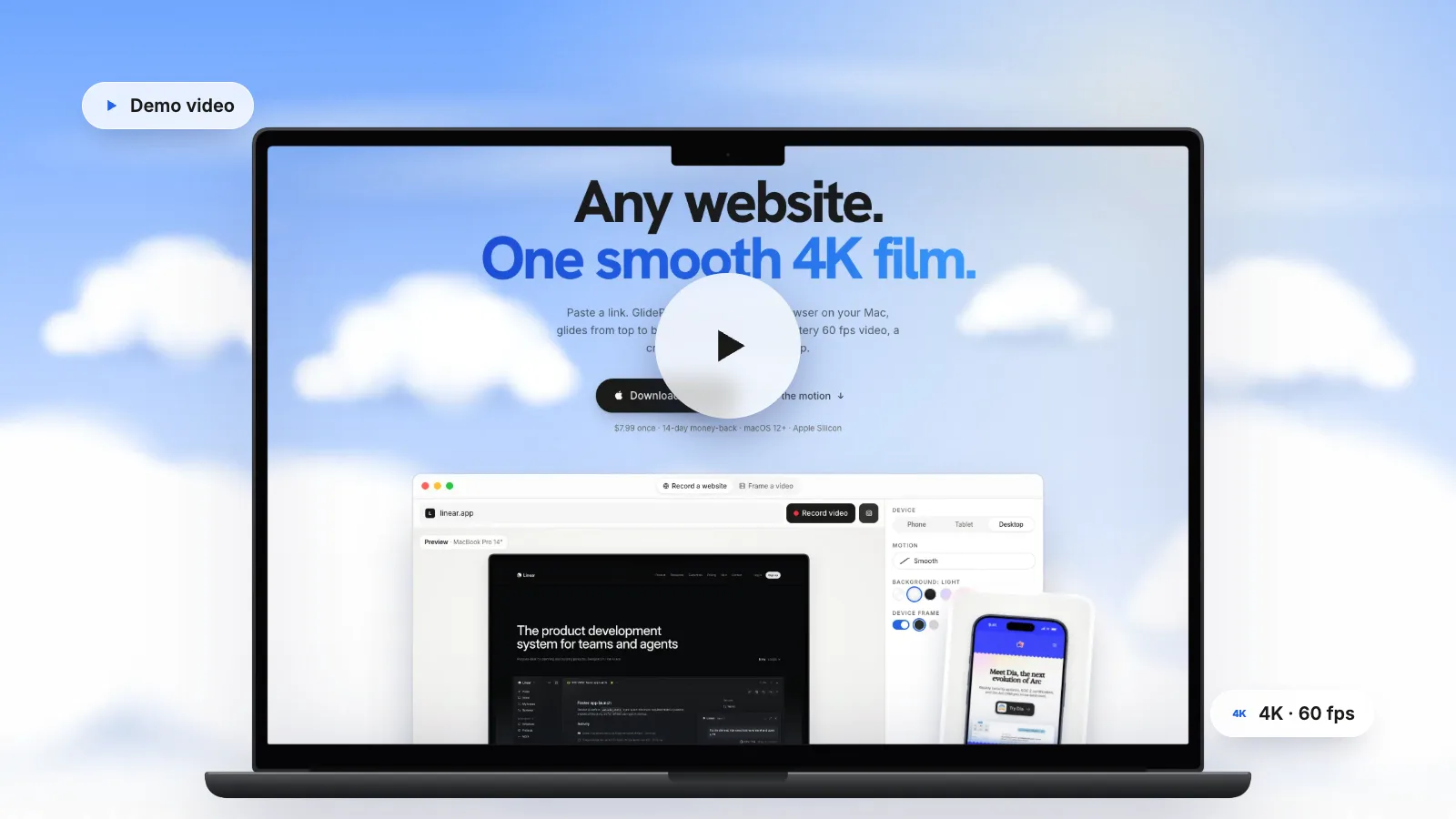
How to Make a Website Demo Video (Narrated Walkthroughs and Silent Loops)
Most website demos are either too long to finish or too vague to help. Here is how to plan, structure and record one that people actually watch.
Read the guide →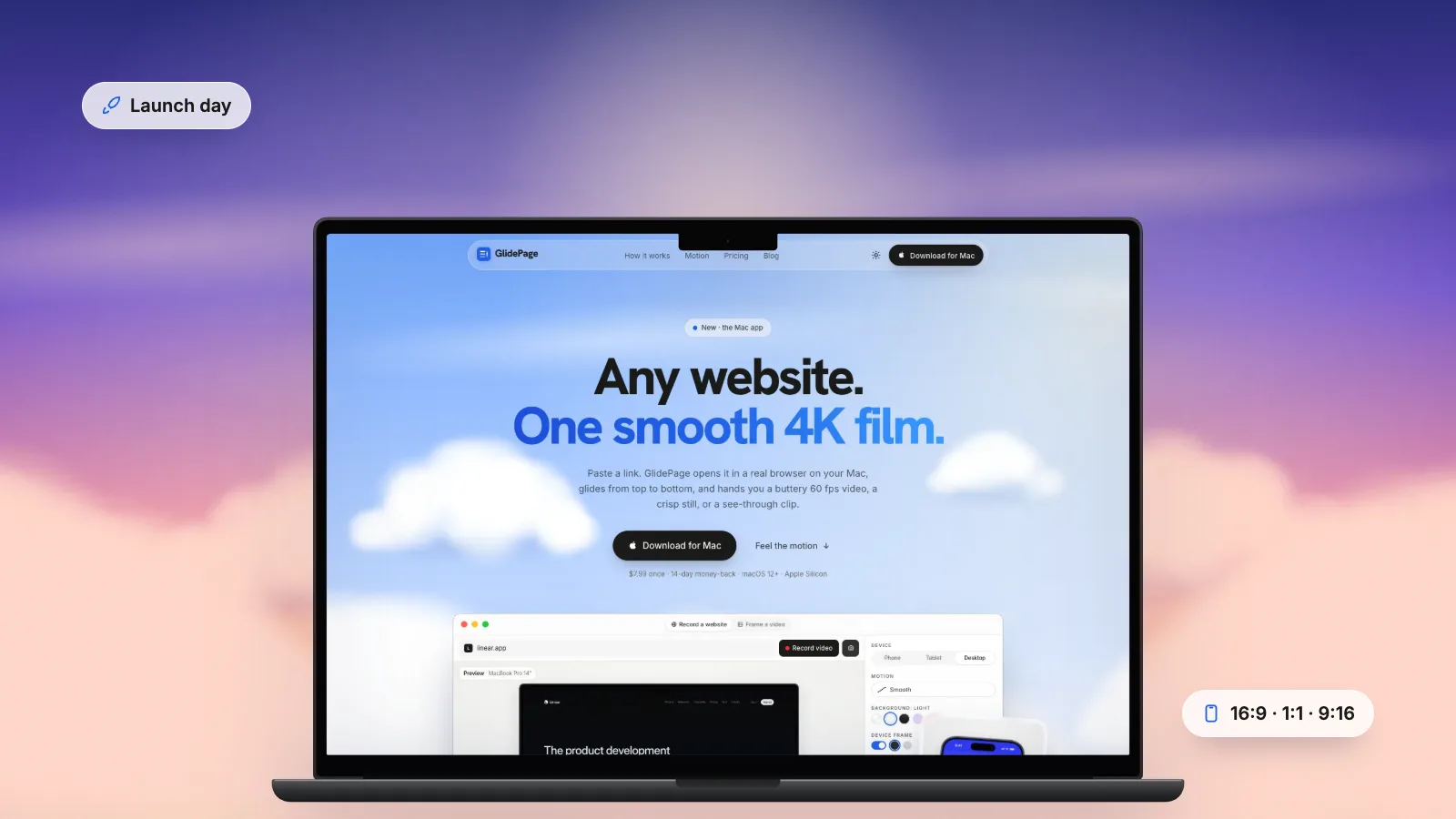
How to Make a Website Launch Video (Including Your Product Hunt Gallery)
Launch day moves fast. One short, sharp video of the real site, cut into the right shape for each place you post, does more than any countdown template.
Read the guide →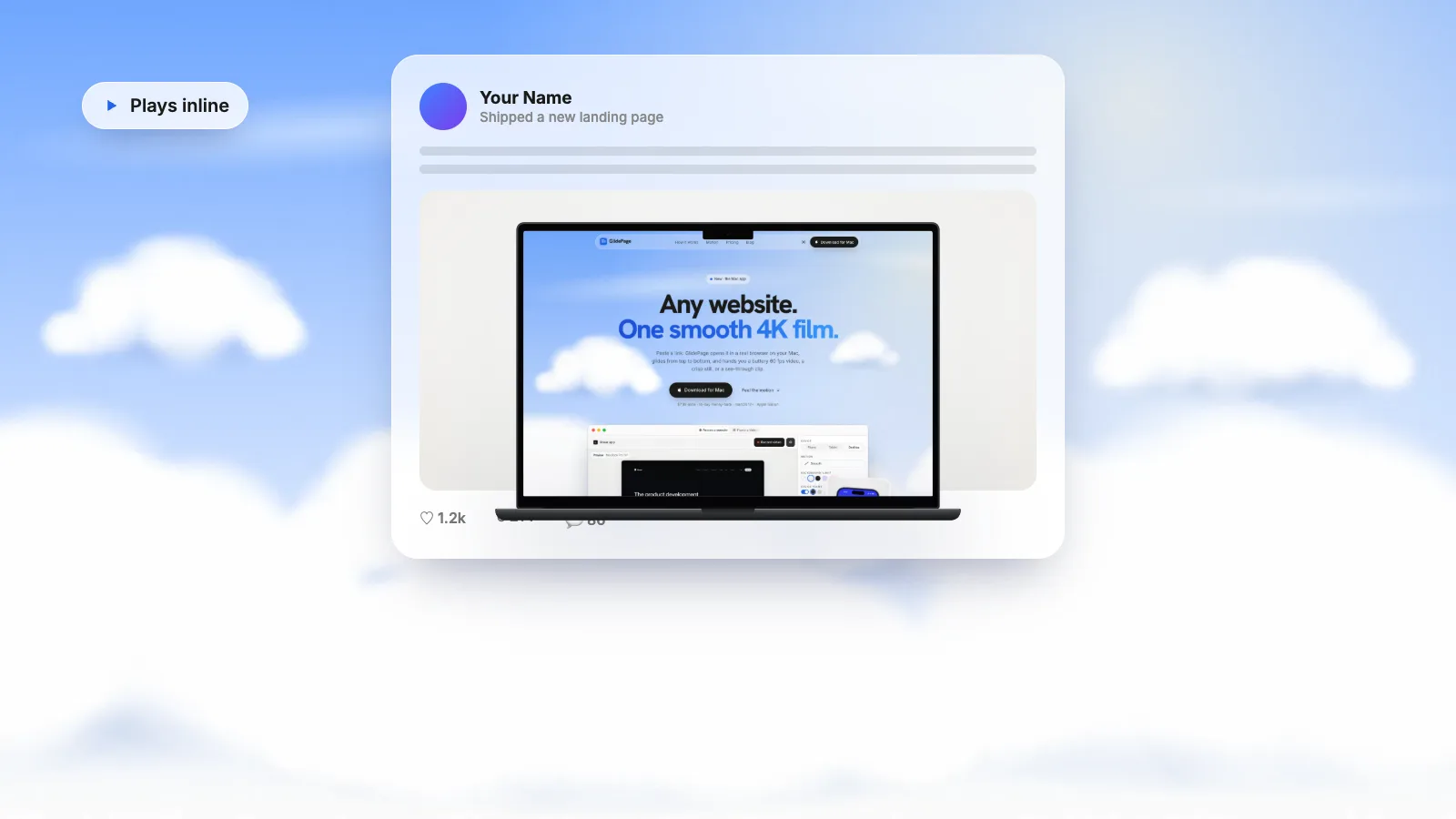
LinkedIn and X Video Specs for Website Videos (and How to Post One That Plays Well)
The numbers are easy to look up. Making a website readable in a phone feed is the harder part. Here are both.
Read the guide →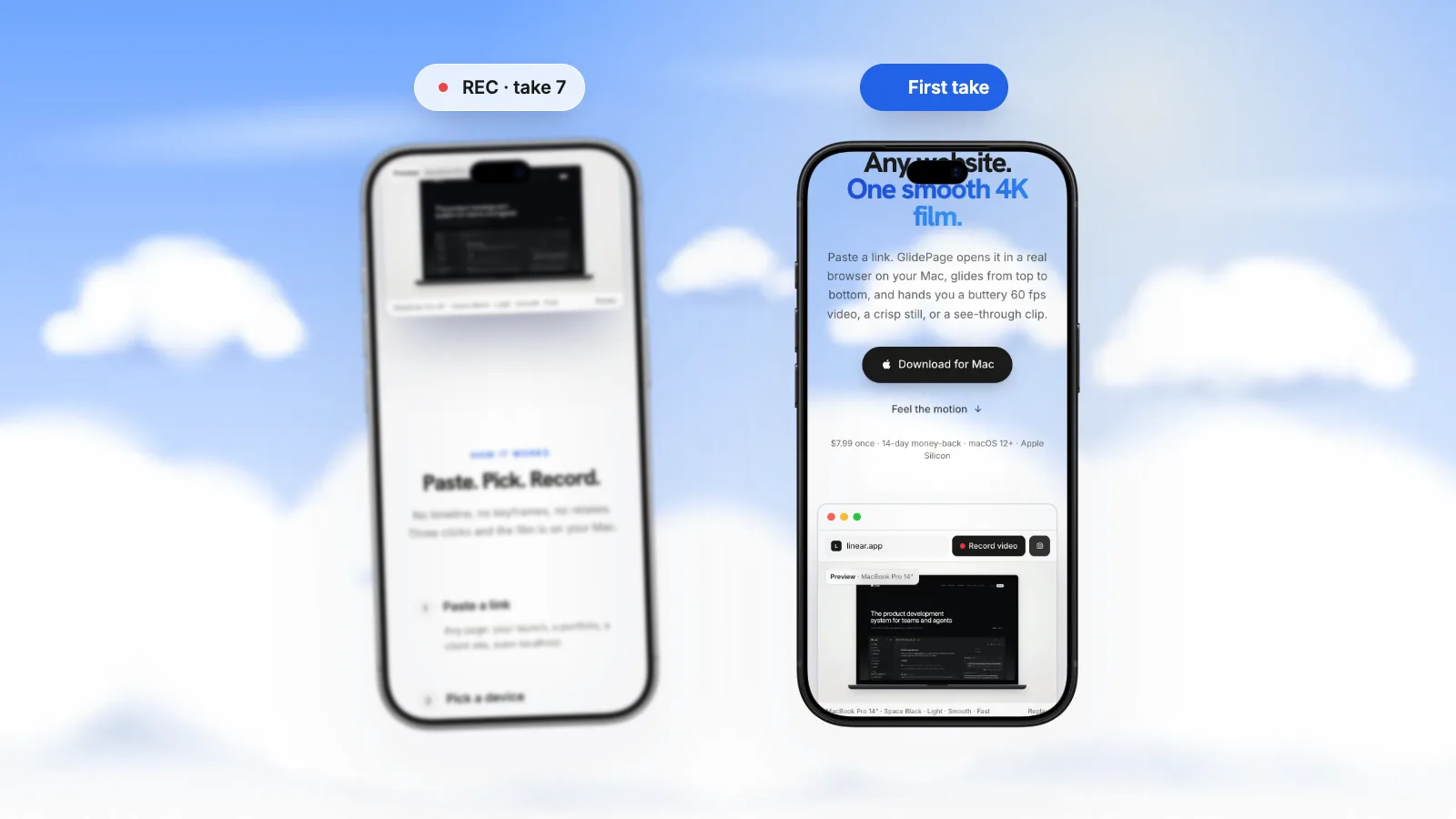
Why Your Screen Recording Looks Choppy When You Scroll (and How to Fix It)
The page scrolls perfectly on your screen, then the recording looks like a flipbook. Here is where the judder comes from, and how to get rid of it.
Read the explainer →