The most reliable way to showcase websites in a web design portfolio is to record each site at handoff: a short, silent, looping scroll video in a device frame for the top of the case study, framed stills for details, and a live link only as a bonus while the site stays unchanged. Keep the frame, background and length consistent across projects, embed videos as muted MP4 loops rather than GIFs, and keep the files small. You can record by hand with your Mac's screen recorder and frame the clips in Keynote, or use GlidePage, a Mac app for Apple Silicon, to turn each link into a framed 4K scroll video and matching stills.
On this page
- Live links, screenshots or video?
- Record every site at handoff
- What to record for each project
- Keep the framing consistent across projects
- Where the videos go
- Embedding looping video on your own site
- Keep file sizes small
- Common mistakes to avoid
- Making portfolio videos with GlidePage
- A portfolio that outlives the sites
A web design portfolio has an odd problem: the work lives somewhere you do not control. Clients change copy, swap photos, redesign, or let the domain lapse. The link you were proud of in March shows someone else's template by December. And a screenshot, the usual fallback, flattens everything that made the site good: the motion, the rhythm of the sections, the way it adapts to a phone.
This guide covers how to present websites so they hold up: when to use live links, stills and video, what to record for each project, how to keep a portfolio visually consistent, where the videos go, and how to keep the files fast.
Live links, screenshots or video?#
Each format does one job well. A strong case study uses more than one.
| Format | Shows motion | Survives client changes | Loads fast | Best for |
|---|---|---|---|---|
| Live link | Yes | No | Depends on the site | A bonus for people who want to click around |
| Screenshots | No | Yes | Yes | Details: typography, components, states |
| Full-page image | No | Yes | Heavy if long | Showing the whole page structure at once |
| Scroll video loop | Yes | Yes | Yes, if kept short | The top of the case study, social posts |
The pattern that works: a video loop at the top of the case study to show the site as a whole, stills further down to talk about specific decisions, and a live link at the end, if the site is still as you left it.
Relying on live links alone is risky. Designers on forums say it plainly: clients change sites after handoff, and a portfolio visitor cannot tell which parts were yours. A recording is a record of your version.
Record every site at handoff#
The single most useful habit is to capture each project on the day you hand it over, before anyone else touches it. It takes a few minutes and saves you from reconstructing work later from old files.
For each project, capture:
- A full scroll of the home page on desktop, in a laptop frame.
- The same page on a phone, in a phone frame.
- One or two key inner pages, such as a product page or a case study template.
- Dark mode, if the site has it. Recording a website in dark mode covers how.
- A handful of framed stills of the sections you will write about.
- Short manual screen recordings of interactions a scroll does not show: menus, forms, filters, hover states.
Store them with the project files and name them consistently, for example client-page-device-date. If the site is still on staging when you hand it over, record it there; you do not need to wait for launch.
What to record for each project#
Different shots do different jobs in a case study:
| Shot | Length | Device | Where it goes |
|---|---|---|---|
| Hero loop | 5 to 10 s | Laptop | Portfolio grid thumbnail, top of the case study |
| Full-page scroll | 15 to 30 s | Laptop | Case study, Dribbble, Behance |
| Mobile scroll | 10 to 20 s | Phone | Case study, next to the desktop version; Reels and Stories |
| Interaction clip | 3 to 8 s | Either | Beside the paragraph that explains it |
| Framed stills | n/a | Either | Throughout the case study, and as a poster image |
Two tips make these much better:
- Show the real mobile layout. A phone frame with a shrunken desktop page undermines the whole point. Mobile website mockup videos explains how to capture the true mobile version.
- Let the scroll breathe. One to two seconds per screen lets viewers read headlines. A portfolio visitor is judging your typography, so do not rush past it.
Keep the framing consistent across projects#
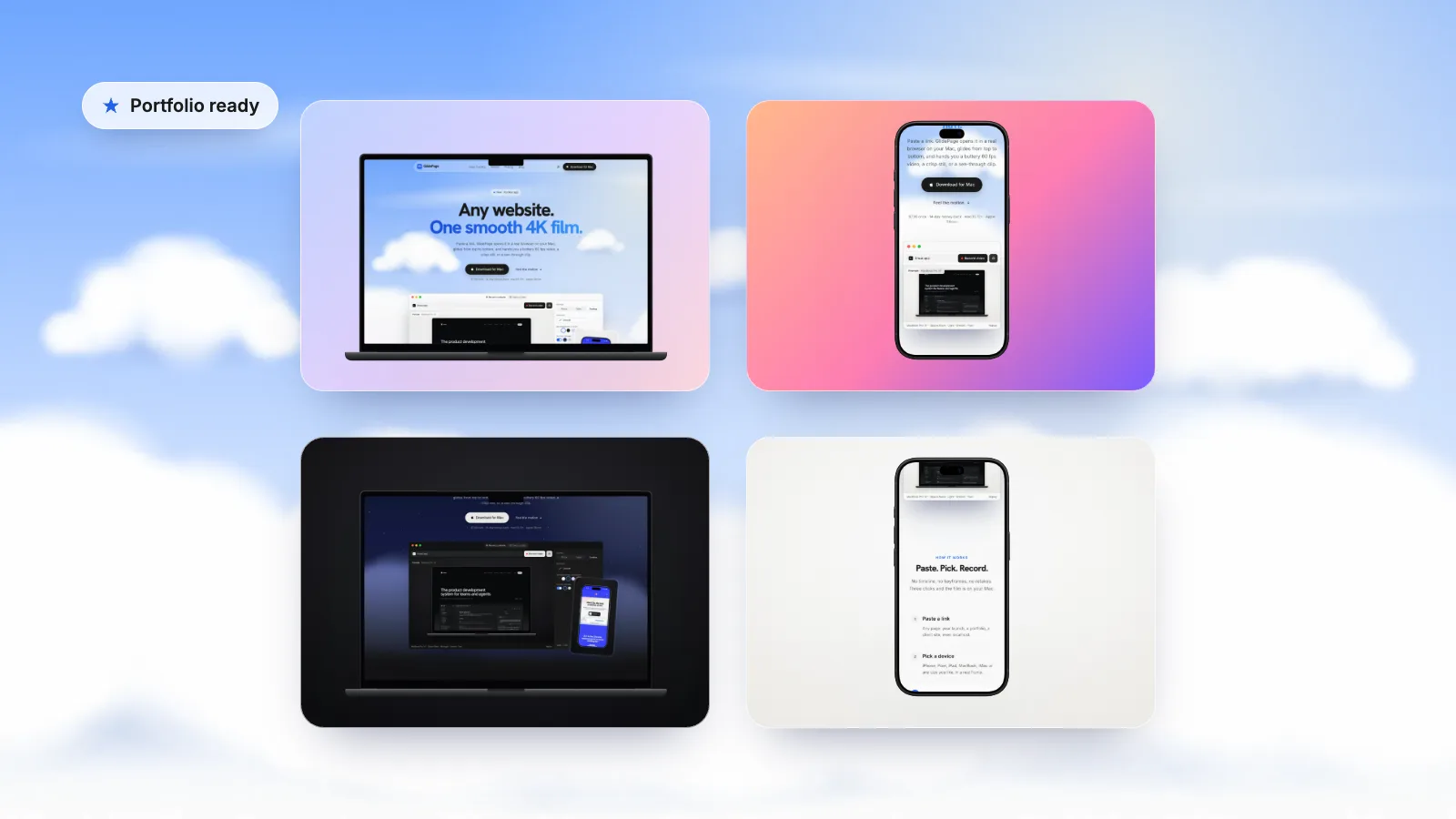
Your portfolio is a design project too. When every case study uses a different device, background and speed, the page looks like a collection of downloads. When they match, the work is what changes from project to project, which is what you want people to notice.
Decide once, then reuse:
- One background for all projects, or one per category. Soft light backgrounds suit most portfolios; dark ones suit dark portfolio sites.
- The same device models and frame colours, for example one laptop and one phone, both in a dark finish.
- The same motion and speed, so every scroll feels like part of a set.
- The same lengths, roughly, for each type of shot.
- The same export settings, so quality and file size are predictable.
Scrolling website mockups covers choosing frames and backgrounds in more detail.
Where the videos go#
Your own portfolio site. This is where you control everything: layout, order and file size. Use the video loop at the top of each case study and a still or short loop in the project grid.
Dribbble. Dribbble's help centre (updated April 2025) lists MOV and MP4 video uploads up to 20 MB, and recommends a minimum width of 1600 pixels for images, GIFs and videos. Shots are no longer tied to a fixed ratio. Check the current help page before you export, as limits and plan requirements change.
Behance. Behance projects can include uploaded video files or embeds from a video host, alongside images. Its help centre lists the current formats and size limits. A laptop scroll works well as the opening module of a project, followed by stills.
Pitch decks and PDFs. Keynote plays video on slides. For PDFs, use a framed still with a link to the video.
LinkedIn and X. A short loop of a new project makes a good post. Keep it under 30 seconds and lead with the hero.
Embedding looping video on your own site#
A portfolio loop should behave like a GIF, without a GIF's weight. On web.dev's example, a 3.7 MB GIF became a 551 KB MP4. The video element needs four attributes to autoplay silently, loop and stay inline on phones:
<video autoplay muted loop playsinline preload="metadata" poster="project-hero.jpg" width="1600" height="900">
  <source src="project-hero.mp4" type="video/mp4">
</video>
- muted is what lets it autoplay. Browsers generally block autoplay with sound until the visitor interacts with the page, but muted video is allowed.
- playsinline keeps it in the page on iPhone instead of opening full screen; MDN notes it is needed for autoplay in Safari.
- poster shows an image until the first frame is ready, so there is never a blank box. Use a framed still.
- preload="metadata" hints that the browser should fetch only the basics for videos further down the page.
- width and height reserve the space, so the layout does not jump when the video loads.
If you want a device floating over your page with no background box, a video with a transparent background can do it. Transparent video on a website explains the formats and browser support.
Keep file sizes small#
Portfolio visitors often open your site on a phone, on a slow connection, between meetings. Heavy videos cost you the first impression.
| Use | Resolution | Aim for |
|---|---|---|
| Grid thumbnail loop | 1280 px wide or less | Under 1 MB, 5 to 8 s |
| Case study hero loop | 1600 to 1920 px wide | A few MB, 10 to 20 s |
| Dribbble shot | At least 1600 px wide | Under the 20 MB upload limit |
| Master file for your archive | 4K | Whatever it takes; keep it offline |
Keep the 4K original in your archive and export smaller copies for each place. A higher-resolution master gives you room to crop, reframe and re-export later without re-recording a site that may have changed.
Common mistakes to avoid#
| Mistake | Why it hurts | Fix |
|---|---|---|
| Video that autoplays with sound | Browsers block it, and visitors reach for the close button | Muted loops only |
| A 60-second scroll of a long page | Few people watch past the hero | 10 to 20 seconds, a little faster in the middle |
| A desktop page shrunk into a phone frame | Anyone who has used the site knows it looks wrong | Record the real mobile layout |
| A different frame and background on every project | The portfolio looks assembled, not designed | Pick one style and reuse it |
| A cookie banner or chat bubble in the shot | It covers the hero and dates the work | Dismiss or hide it before recording |
| A 30 MB hero video | The case study opens on a blank box | Export a smaller copy for the web |
| Video with no words around it | Visitors see the result but not your thinking | Pair each clip with a sentence about the decision it shows |
Making portfolio videos with GlidePage#
Doing all of this by hand works: record the scroll on your Mac, frame it in Keynote or an editor, export several sizes. It is also the kind of repetitive task that makes people skip the handoff recording. GlidePage, a Mac app, shortens it to a few clicks per project:
- Paste the link, including a staging site or a local build on localhost.
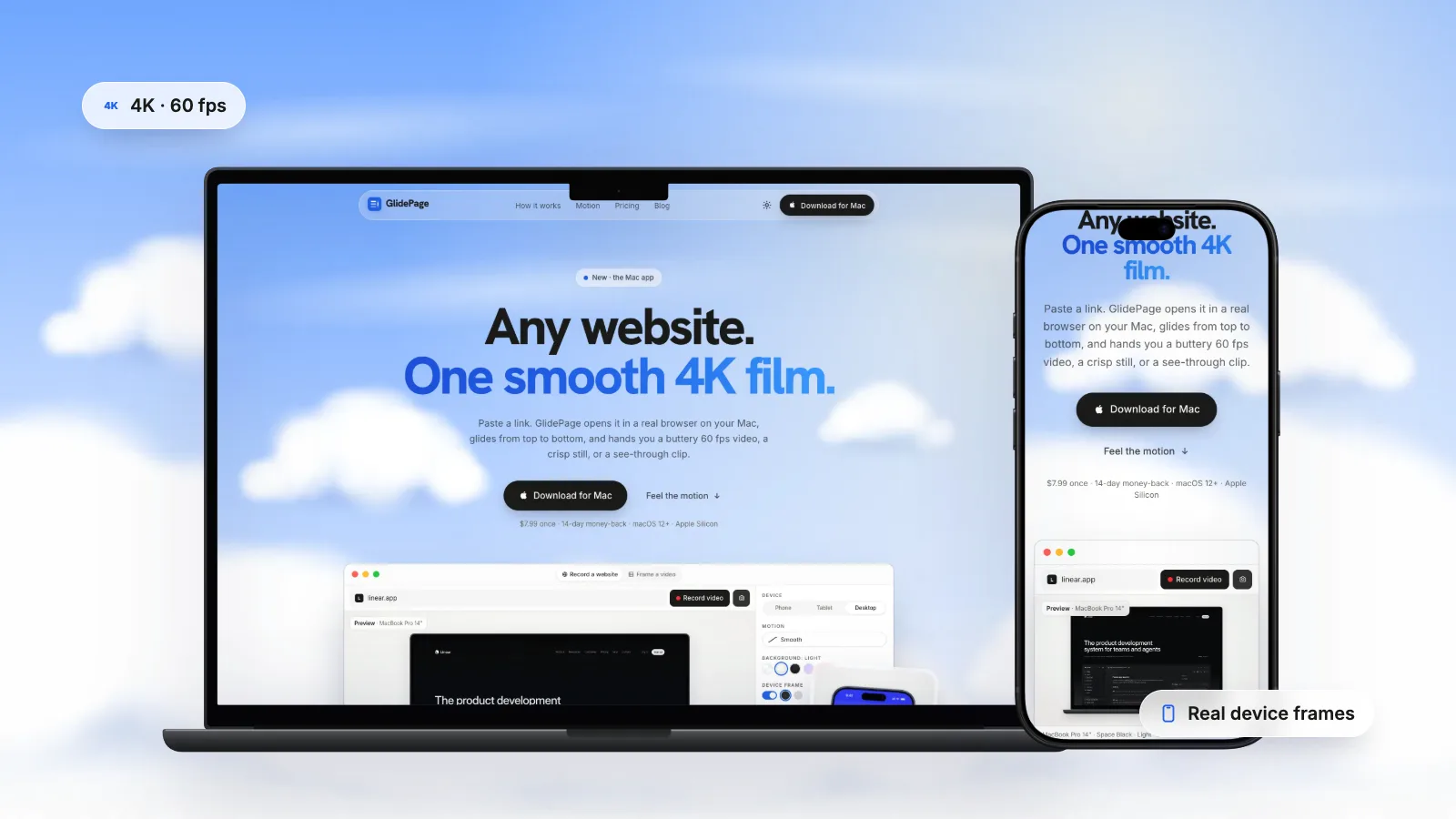
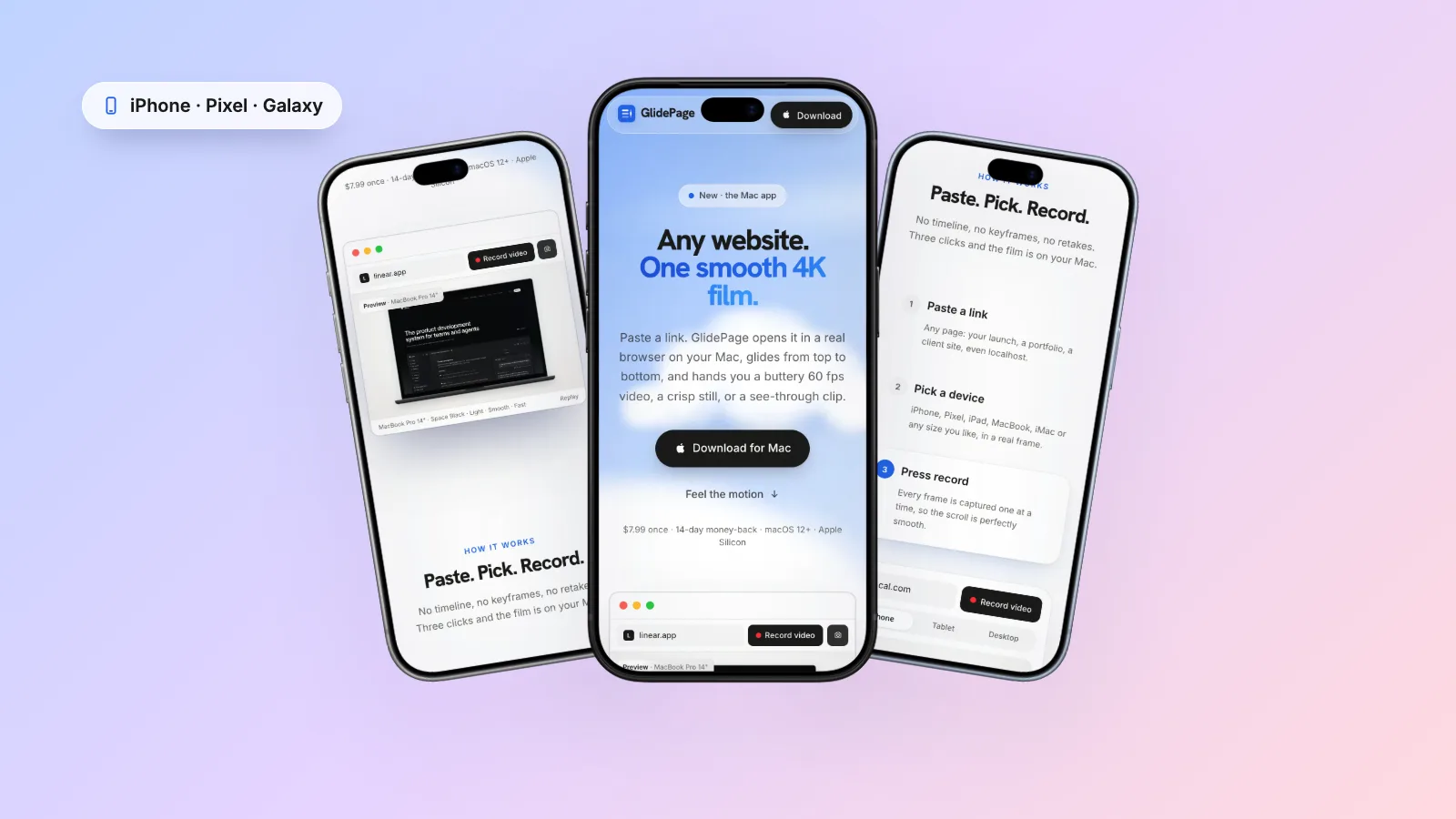
- Pick a device. MacBook, iMac, iPad, iPhone, Pixel or Galaxy frames, in real colours. Phone layouts use a real phone user agent and viewport, so you get the true mobile design.
- Reuse your portfolio style. Pick the same background (Light, Midnight, Aurora, Sunset or your own colour or gradient), motion curve and speed for every project.
- Press Record. It scrolls through once to load everything, then captures the page frame by frame and exports a 4K, 60 fps MP4.
- Take stills with photo mode. Press the camera, scroll to a section, press again for a 4K PNG, which also makes a good poster image.
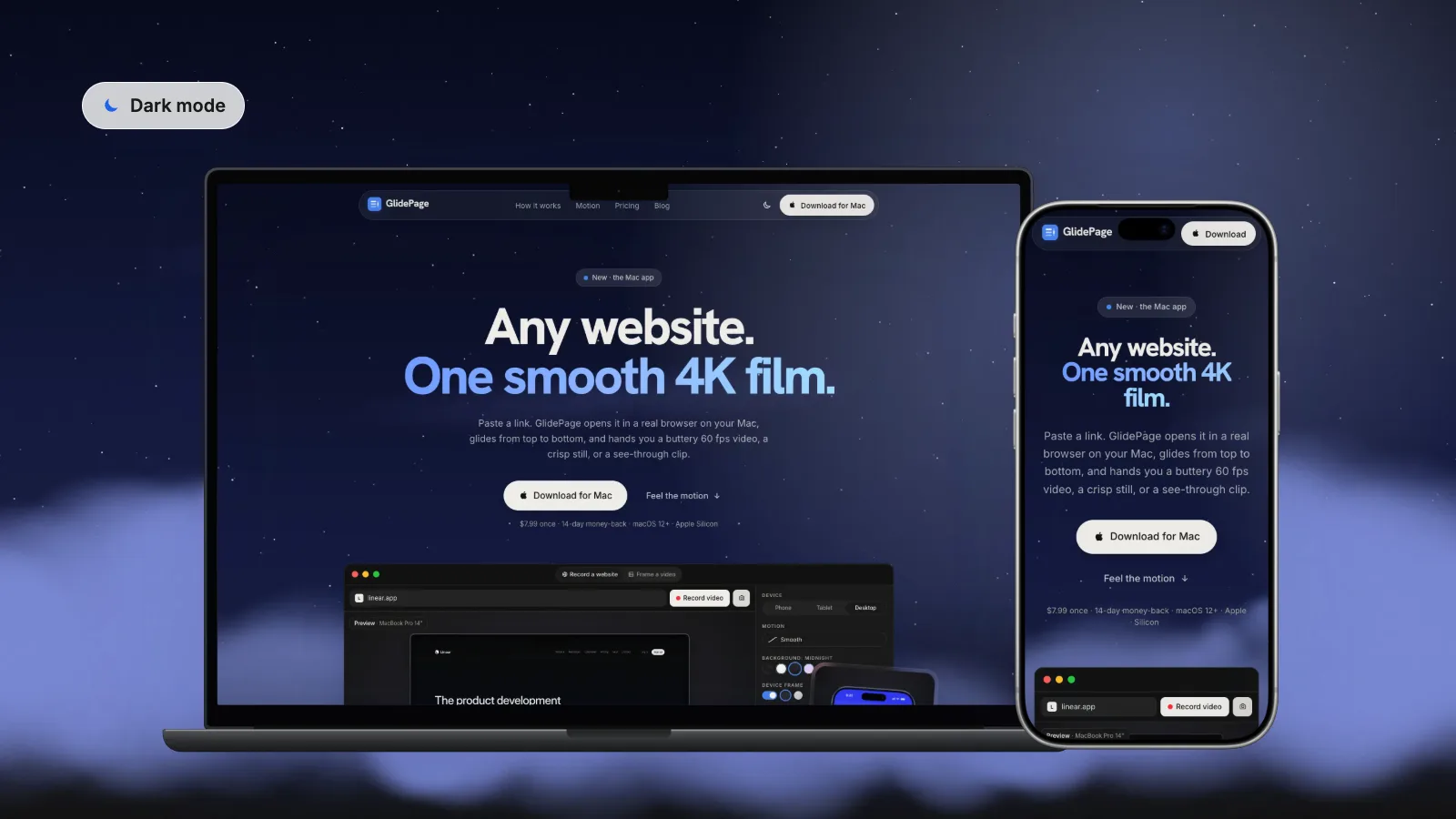
It can record the site in light or dark mode, hides common cookie banners, and keeps jobs on your Mac for 24 hours so you can download again. Nothing is uploaded, which matters for client work under NDA. It records scrolling pages only, so interaction clips still come from a screen recording, and it cannot record pages behind a login.
A portfolio that outlives the sites#
Websites are temporary, and your portfolio should not depend on them. Record each project at handoff, present it with one consistent frame and background, lead each case study with a short silent loop, and back it up with stills and a few words about your decisions. For the recording itself, how to make a scrolling video of a website covers the methods and settings in more depth.
Sources
- Dribbble Help Center: Creating Dribbble shots (checked September 2026)
- web.dev: Replace animated GIFs with video for faster page loads (checked September 2026)
- MDN: The Video Embed element (checked September 2026)
- MDN: Autoplay guide for media and Web Audio APIs (checked September 2026)



Make your site move.
Any page, one smooth 4K video. Framed, on any background, or transparent.
Questions, answered
Should I link to live sites or use screenshots and videos in my portfolio?
Use recordings and stills as the main presentation, and a live link as a bonus. Live sites change after handoff and sometimes disappear, so a video and screenshots captured at launch are the only reliable record of your version.
What if a client changes or takes down the site after handoff?
That is why you should record every project on the day you hand it over. A scroll video on desktop and phone plus a few framed stills lets you present the work as you delivered it, whatever happens to the live site later.
How many projects should a web design portfolio show?
Quality matters more than quantity. Most designers do better with a few strong, well-presented case studies than a long grid of thumbnails. Pick the projects that best show the kind of work you want more of.
Should I use video or GIF on my portfolio site?
Video. An MP4 set to autoplay muted on a loop behaves like a GIF but is a fraction of the size; on web.dev's example, a 3.7 MB GIF became a 551 KB MP4. It also keeps gradients and photos looking clean.
How do I make a portfolio video autoplay?
Add the autoplay, muted, loop and playsinline attributes to the video element. Browsers generally block autoplay with sound, so muted is what allows it, and playsinline keeps it in the page on iPhone. Add a poster image so there is never a blank box.
What video size works for Dribbble?
Dribbble's help centre lists MOV and MP4 uploads up to 20 MB and recommends a minimum width of 1600 pixels. Shots are not tied to a fixed ratio. Check the current help page before exporting, since limits and plan requirements can change.