Awwwards asks for a main thumbnail of 1600 × 1200 px, lets you add more images and videos (its FAQ "highly" recommends video and gives 1600 × 1200 as the ideal size), shows a desktop and a mobile screenshot on each entry, and locks the submission once it is under review. CSS Design Awards wants one 1068 × 646 px JPG of 150 KB or less, and One Page Love has no upload at all: you send the link. You can capture all of it for free with Chrome DevTools, your phone and Preview, or with GlidePage, a Mac app for Apple Silicon that records the live site as a smooth 4K video with the intro playing from the start and the cookie banner hidden, and takes 4K stills in a 4:3 shape.
On this page
- Submission requirements at a glance
- Awwwards: thumbnail, extra media and screenshots
- CSS Design Awards: one JPG under 150 KB
- One Page Love: nothing to upload
- The free way: capture everything yourself
- Capture it from the live site with GlidePage
- Tips for media that holds up in the gallery
- Pre-submission checklist
The site is live, the client is happy, and it is going to an award gallery. Then the submission form asks for things nobody prepared: a thumbnail at a set size, extra images, a video, mobile screenshots, a JPG under 150 KB. Those images are what the jury and every visitor see before anyone opens the live site, so they deserve the same care as the work itself.
This guide puts what Awwwards, CSS Design Awards and One Page Love ask for in one table, then shows how to capture each piece from the live site: first for free with the tools on your Mac, then with GlidePage.
Submission requirements at a glance#
Checked against each gallery's own pages on 9 October 2026. Galleries change their forms, so open the submit page again before you pay.
| Awwwards | CSS Design Awards | One Page Love | |
|---|---|---|---|
| Submission | A paid submission, final and non-refundable | A paid submission | A short form |
| Main image | Thumbnail, 1600 × 1200 px | One screenshot, 1068 × 646 px, JPG only, 150 KB max | No upload |
| Extra media | More images and videos, "ideal dimensions" 1600 × 1200 | None | None |
| Video | "Highly" recommended | No field | No field |
| Mobile | Entries show a desktop and a mobile screenshot | No field | No field |
| Text | Website info on the form | Description up to 130 characters, one category, up to 3 feature tags | Name, email, site URL, live demo URL |
| Rules | Approved by hand before it is published | Sites must be complete and the work original | One-page sites (or one-page templates) only |
| After you submit | Editable in draft, locked once under review; approval can take up to a week | Nomination notice within 24 hours, except weekends | Reviewed daily; you hear back by email if it is a good fit |
Awwwards: thumbnail, extra media and screenshots#
The main thumbnail: 1600 × 1200
Awwwards' FAQ answers "What size is the main image thumbnail?" with 1600 × 1200 px, a 4:3 landscape image. You can personalise it with your own image and choose which parts of the site to show, so you are not stuck with an automatic grab of the top of the page.
The thumbnail sits in a grid with hundreds of others, so treat it like a poster. The hero usually works best, at a size where the headline still reads. A straight screenshot of the page and a device frame on a background are both common; pick the one that suits the site.
Extra images and videos
The FAQ is direct about extra media: "We highly recommend adding videos to make your submission stand out even more", and "the more elements you include, the better visibility and quality your submission will have." The same answer repeats that the ideal dimensions are 1600 × 1200 px. It gives no video format, length or file size, so a short MP4 in the same 4:3 shape as the thumbnail is the safe choice.
A video matters most when the quality is in the motion: an intro, scroll effects, an animated hero.
Desktop and mobile screenshots
Published Awwwards entries carry elements labelled "Desktop screenshot" and "Mobile screenshot". Awwwards gives no sizes for them. The mobile screenshot should show the real mobile layout, not the desktop page shrunk into a phone frame: the jury scores usability, and a squeezed desktop page tells them nothing about it.
What the jury scores
Awwwards' evaluation page weights the scores as Design 40%, Usability 30%, Creativity 20% and Content 10%. Let each piece of media carry one of them: the design in the thumbnail, the motion in the video, the usability in the mobile screenshots.
Check everything before it goes under review
While a submission is a draft, you can edit it freely. Once it is under review or approved, "no further changes can be made", and submissions are final and non-refundable. Approval can take up to a week. So prepare every file before you start the form, not while you fill it in.
CSS Design Awards: one JPG under 150 KB#
The CSS Design Awards form asks for a website screenshot of 1068 px wide by 646 px high, JPG only, 150 KB max, plus a description of up to 130 characters, one category and up to three feature tags. There is no video field and no mobile screenshot.
Two things make it fiddly:
- The shape. 1068 × 646 is about 1.65:1, a little wider than 16:10 and a little narrower than 16:9, so an ordinary screenshot needs cropping or a custom capture size.
- The weight. 150 KB is small for a detailed page. A PNG at this size can easily go over it; a JPEG at a moderate quality usually fits.
As it is the only image, use the most distinctive screen, usually the hero.
One Page Love: nothing to upload#
One Page Love's form asks for your first name, email, whether you are submitting a one-page website or a one-page template, the website URL and a live demo URL. You confirm that the site is a single page that does not link to separate about or contact pages from its main navigation. There is no image or video upload: they "review submissions daily", and you hear back by email if the site is a good fit.
With nothing to upload, the live page is all they have to go on. Before you submit, open it in a private window as a first-time visitor would: a cookie banner over the hero, a newsletter popup or a slow loader is the first thing they will see.
The free way: capture everything yourself#
Everything above can be made with free tools. It takes some care and a few retakes.
1. Get the page ready
Open the live site, scroll to the bottom once so lazy images, fonts and reveal animations have loaded, then go back to the top. Accept or dismiss the cookie banner, or hide it in your browser's developer tools; screenshots without cookie banners shows how in Safari, Chrome and Firefox. Turn on a Focus mode so no notifications slide in.
2. Make the 1600 × 1200 thumbnail
In Chrome, open DevTools and click Toggle device toolbar. Choose Responsive and type 1600 and 1200 as the width and height. In More options, choose Add device pixel ratio and set the DPR to 2, then choose Capture screenshot from the same menu. You get a 3200 × 2400 PNG, which shrinks to exactly 1600 × 1200 with crisp text. To resize it, open it in Preview, choose Tools → Adjust Size, select Resample image and Scale proportionally, and set the width to 1600. High-resolution website screenshots covers this method in more detail.
3. Take the mobile screenshots on a phone
The most reliable free way to get the real mobile layout is a real phone. Open the site on your iPhone and press the side button and the volume up button at the same time (on an iPhone with a Home button, the side button and the Home button), then AirDrop the screenshot to your Mac. DevTools' device presets are close, but Chrome itself calls device mode "a first-order approximation" of a phone.
4. Record the video
Press Shift-Command-5, choose Record Selected Portion, drag the frame around the page area in roughly a 4:3 shape and click Record. Then reload the page, so the intro is in the take. Scroll with one long, slow trackpad swipe, stop from the menu bar, and trim the ends in QuickTime Player. Expect a few takes: the smoothness depends on your hand and on how busy your Mac is, and the size is limited to your display. Animation-heavy sites have their own quirks; see how to record website animations.
5. Make the CSS Design Awards JPG
Capture the page in the right shape from the start. In device mode, set the viewport to 1602 × 969 (one and a half times 1068 × 646) with a DPR of 1, and choose Capture screenshot. Then resize it and save it as a JPEG:
- In Preview: choose Tools → Adjust Size, select Resample image and Scale proportionally, and set the width to 1068 (the height becomes 646). Then choose File → Export, pick JPEG in the Format menu, move the Quality slider down and save. Check the size in Finder with File → Get Info, and export again at a lower quality if it is over 150 KB.
- In Terminal, with the sips tool built into macOS, one command resizes and converts:
sips -z 646 1068 -s format jpeg -s formatOptions 70 screenshot.png --out cssda.jpg
The 70 is the JPEG quality in percent. If the file is still over 150 KB, run it again with a lower number.
Capture it from the live site with GlidePage#
GlidePage is a Mac app that turns any web page into a smooth scrolling video or a sharp still. It opens the page in its own browser, scrolls through once so everything loads, then records every frame one at a time, so the scroll is even no matter how busy your Mac is. For award media, four things matter most:
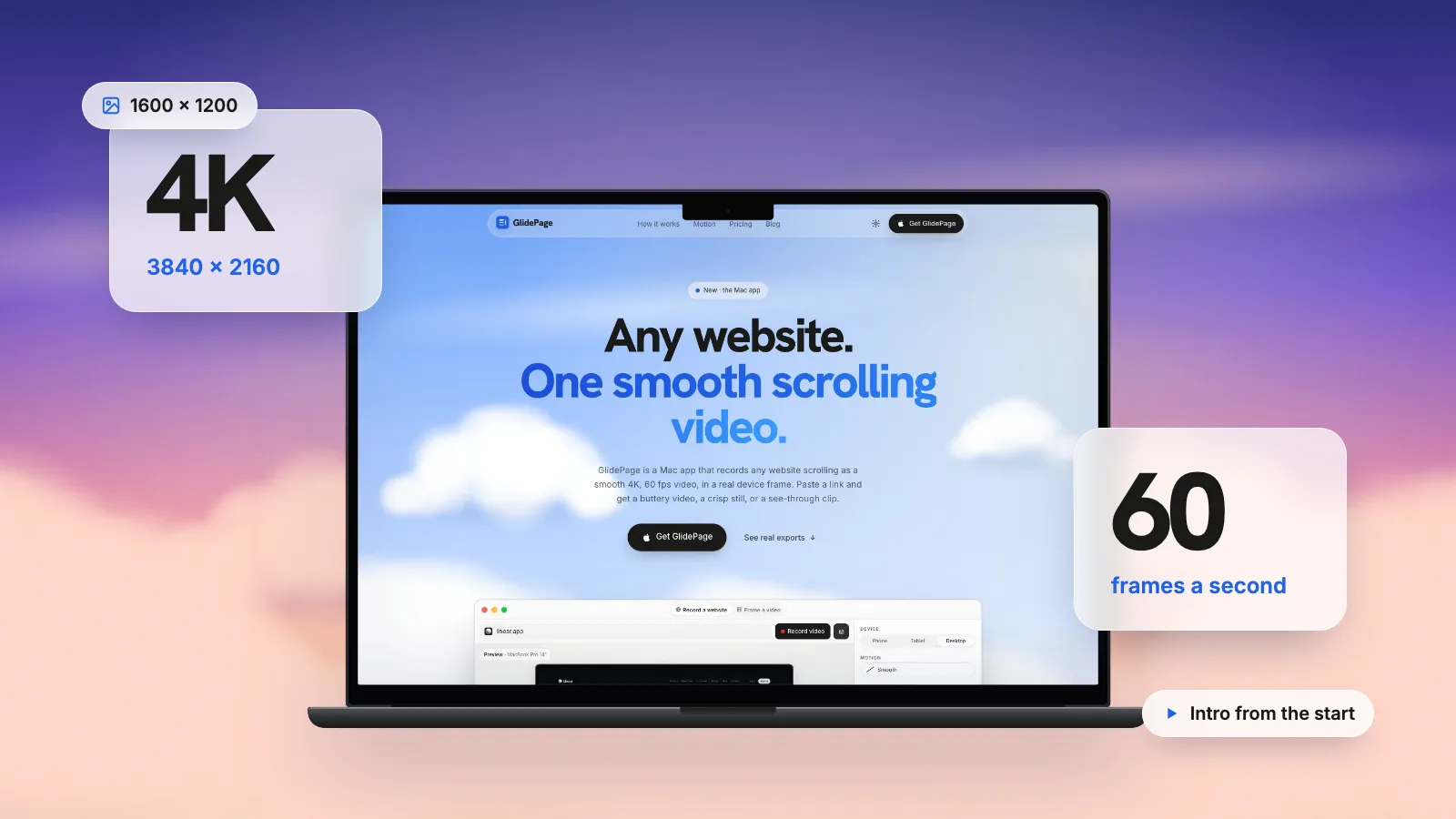
- The intro plays from the start. Since version 1.3, animations a site runs as it loads (CSS animations and transitions, Web Animations, GSAP tweens, Lottie, autoplaying videos) are rewound on the first screen before the first frame. The video opens on the page as a visitor first sees it, with its intro playing once. Scroll-driven animations follow the recorded scroll, and a loader that has already faded out stays gone.
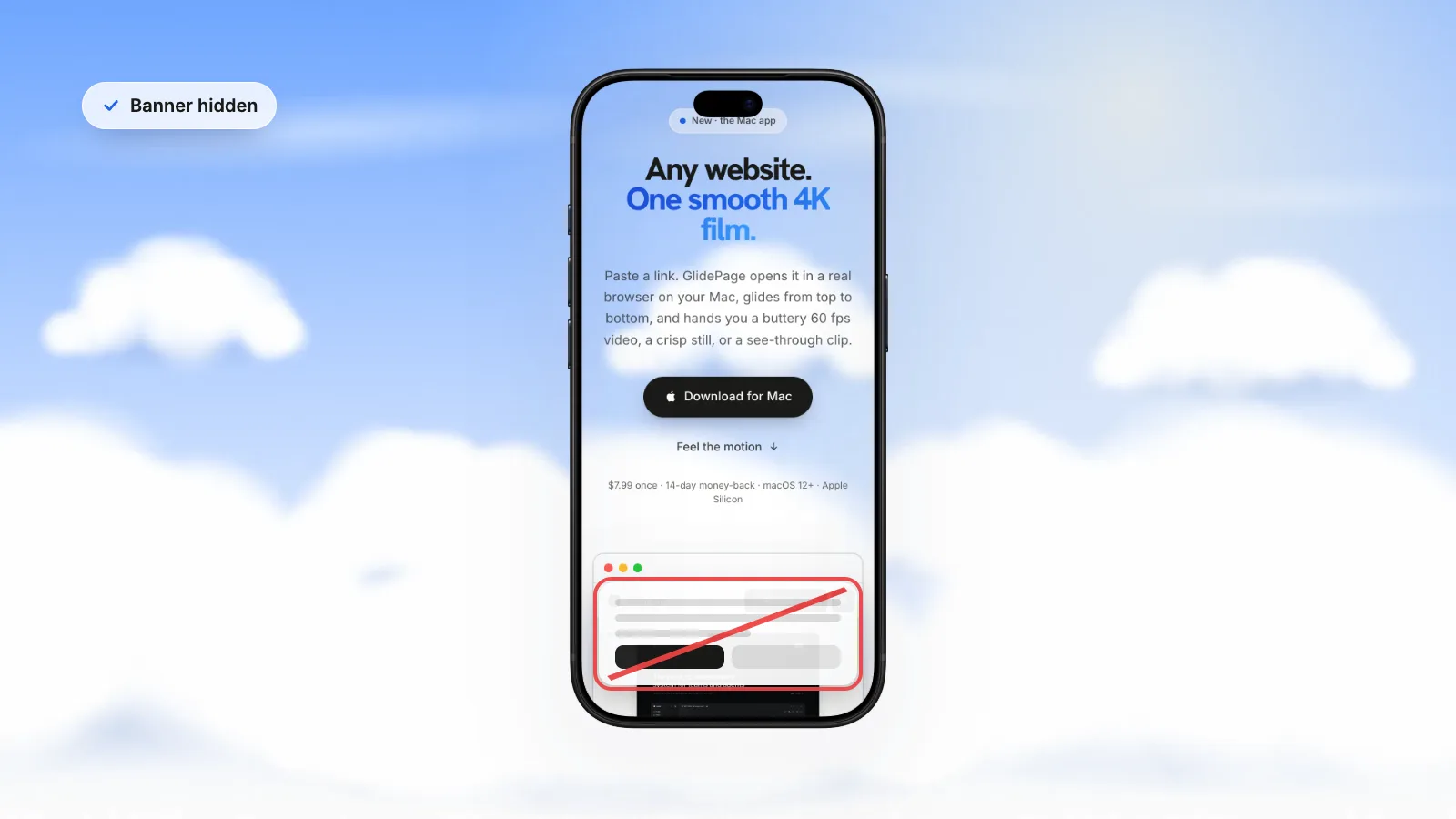
- No cookie banner. Hiding cookie banners is on by default. For a custom banner, chat bubble or popup the filter misses, open Take control and use Hide element: click it once and it stays out of the preview and every recording of that site.
- Real phone layouts. iPhone, Pixel and Galaxy devices load the site with a real phone user agent and viewport, so the mobile screenshot is the actual mobile design.
- Staging and local sites. If the media should be ready on launch day, capture from a staging site or a dev server on localhost. Staging links behind an HTTP username-and-password prompt are the exception: those cannot be recorded.
The video
- Paste the link and pick a desktop device, such as a MacBook Pro, an iMac or a Safari window.
- Choose a background and set the aspect ratio to 4:3, the same shape as the thumbnail.
- Pick the motion and speed. Smooth suits most sites; Page by page stops on every screen. Add Pauses (up to 10) on the sections the jury should not miss.
- Press Record for a 4K, 60 fps MP4.
If the intro is the whole point, No motion records the top of the page for 5, 10, 20 or 30 seconds with its animations playing.
The thumbnail and the mobile screenshots
With the same 4:3 background, press the camera in photo mode, scroll to the spot with the scrollbar and press it again: you get a 4K still. Because it is already 4:3, resizing to 1600 × 1200 stretches nothing. Use Preview as above, or:
sips -z 1200 1600 photo.png --out awwwards-thumbnail.png
Then switch the device to a phone and take the mobile screenshots the same way, with the frame on or off.
For the CSS Design Awards image, set a custom size of 1602 × 969 (the same shape as 1068 × 646), turn the frame off and the background to None, take a photo, and run the sips command from step 5 above.
Before you buy
GlidePage has a free 7-day trial, no card needed. Trial exports carry a small "captured with GlidePage.app" watermark that cannot be turned off, and bare pages with no frame or background need a license during the trial. For a paid award submission you will want the licensed export, where the watermark is off by default. It runs on Apple Silicon Macs with macOS 12 or later, and nothing is uploaded. How to make a scrolling video of a website covers the settings in more depth.
Tips for media that holds up in the gallery#
- Lead with the hero. It is the most designed screen on most sites, and the thumbnail is judged at a glance.
- Keep the video short. 15 to 30 seconds is enough to show the intro and the best sections; a slow scroll through a long page loses people.
- Show the motion that is yours. The intro and scroll effects belong in the video. Hover and click interactions are not part of a scroll recording, so if they matter, record a short separate clip with a screen recorder.
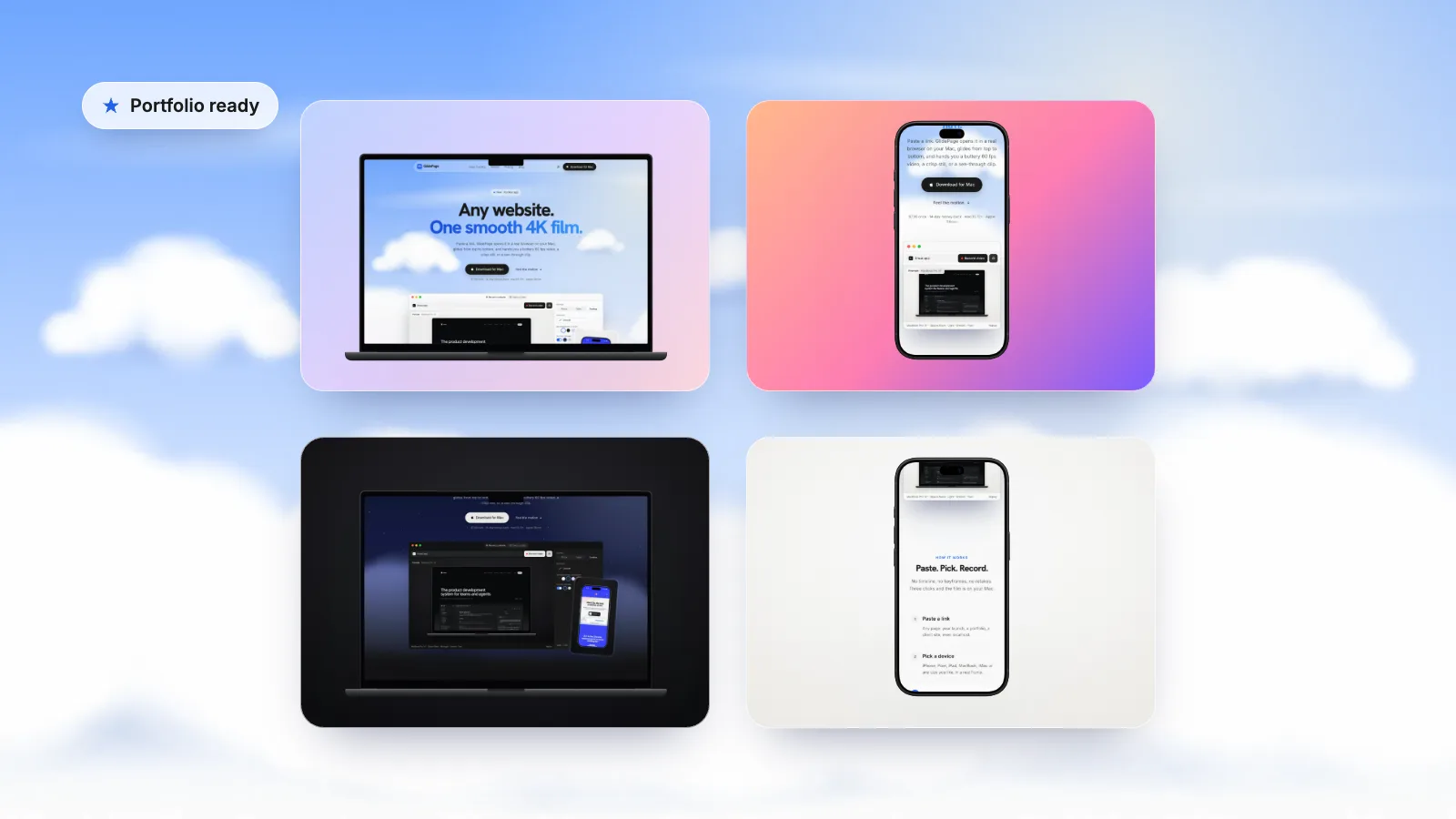
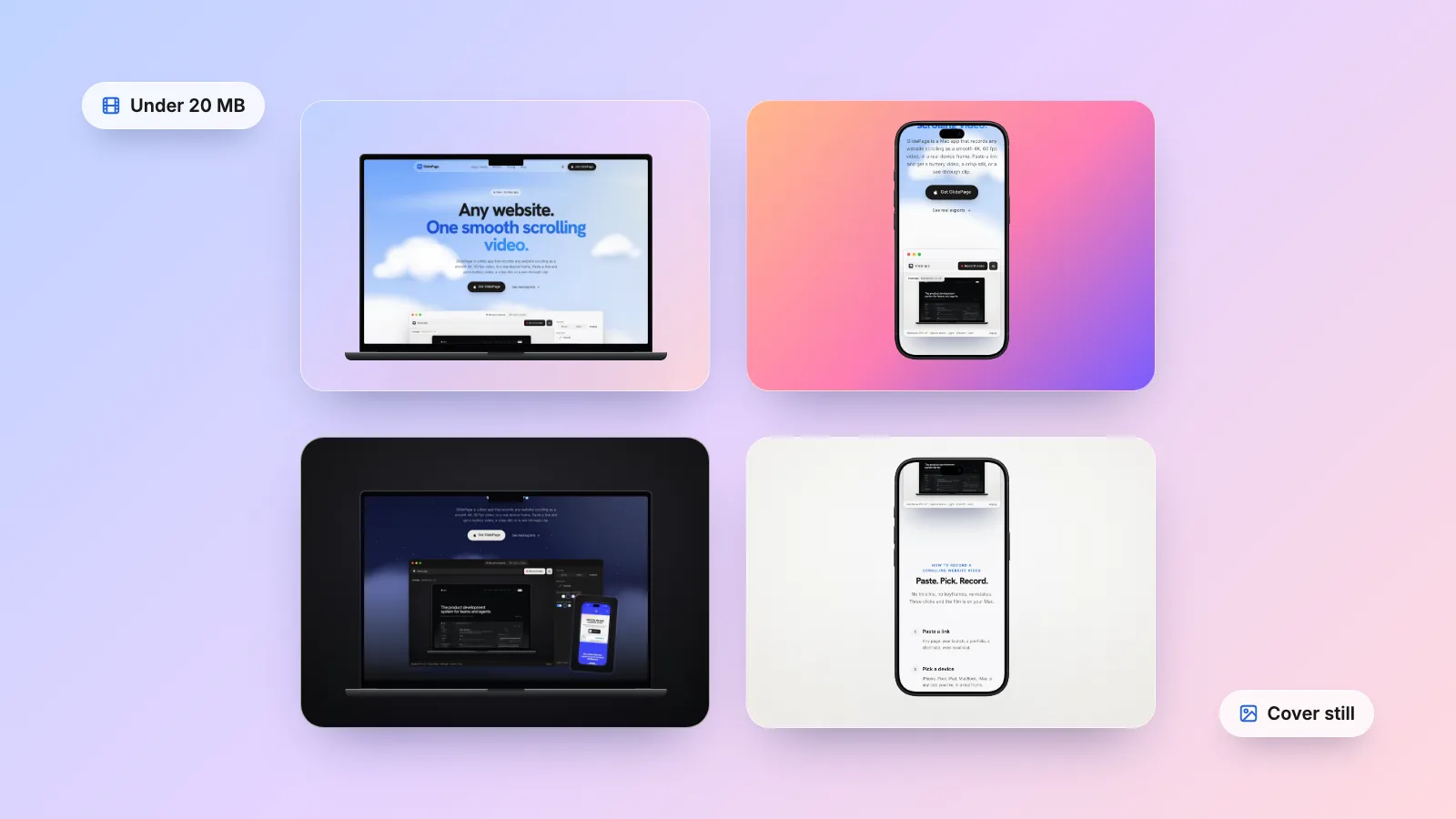
- Make it a set. Use one background, one device and one shape for the thumbnail, extra images and video, so the entry reads as one piece of work.
- Reuse the files. The same captures work for your case study and your shots. See how to post a website on Dribbble and Behance and how to showcase websites in a web design portfolio.
Pre-submission checklist#
- The site is finished, live, and works on a phone
- No cookie banner, popup or chat bubble covers the hero
- Awwwards thumbnail at 1600 × 1200
- Extra Awwwards images at 1600 × 1200
- A short 4:3 video that opens with the intro
- Desktop and mobile screenshots, the mobile one from the real mobile layout
- CSS Design Awards JPG: 1068 × 646, 150 KB or less, plus a description of 130 characters or fewer, a category and up to three tags
- One Page Love: the one-page rule confirmed, site URL and live demo URL ready
- Everything checked twice before the Awwwards submission goes under review
Sources
- Awwwards: FAQs (thumbnail size, videos, editing, approval time) (checked October 2026)
- Awwwards: Evaluation system (checked October 2026)
- Awwwards: example "Mobile screenshot" element on a published entry (checked October 2026)
- CSS Design Awards: site submission form (screenshot size and format) (checked October 2026)
- One Page Love: Submit your One Pager (checked October 2026)
- Apple Support: Convert image file types using Preview on Mac (checked October 2026)



Make your site move.
Any page, one smooth 4K video. Framed, on any background, or transparent. Free for 7 days, no card needed.
Questions, answered
What size is the Awwwards thumbnail?
Awwwards' FAQ gives 1600 × 1200 px for the main image thumbnail, a 4:3 landscape image. The same FAQ calls 1600 × 1200 the ideal size for the extra images and videos you add, so keeping everything in that shape makes the entry look like a set.
Should I add a video to my Awwwards submission?
Yes. The Awwwards FAQ says it highly recommends adding videos to make a submission stand out. It gives no format, length or file size, so a short MP4 of 15 to 30 seconds in the same 4:3 shape as the thumbnail is a safe choice.
Can I edit an Awwwards submission after submitting it?
Only while it is a draft. Once it is under review or approved, no further changes can be made, and submissions are final and non-refundable. Prepare the thumbnail, images, video and screenshots before you start the form.
How long does Awwwards take to approve a submission?
Awwwards says it is normal for sites to take up to a week to be approved and published, and that manual review can back up over weekends and busy periods.
What does CSS Design Awards need for a submission?
One website screenshot of 1068 × 646 px, JPG only, 150 KB at most, plus a description of up to 130 characters, one category and up to three feature tags. There is no video or mobile screenshot field. It is a paid submission, and nominations are announced within 24 hours, except at weekends.
Which design galleries do not need you to upload images?
One Page Love's form has no image or video upload: you send the website URL and a live demo URL, and they review the live page. That makes the page itself the submission, so make sure no cookie banner or popup covers the hero before you send it.