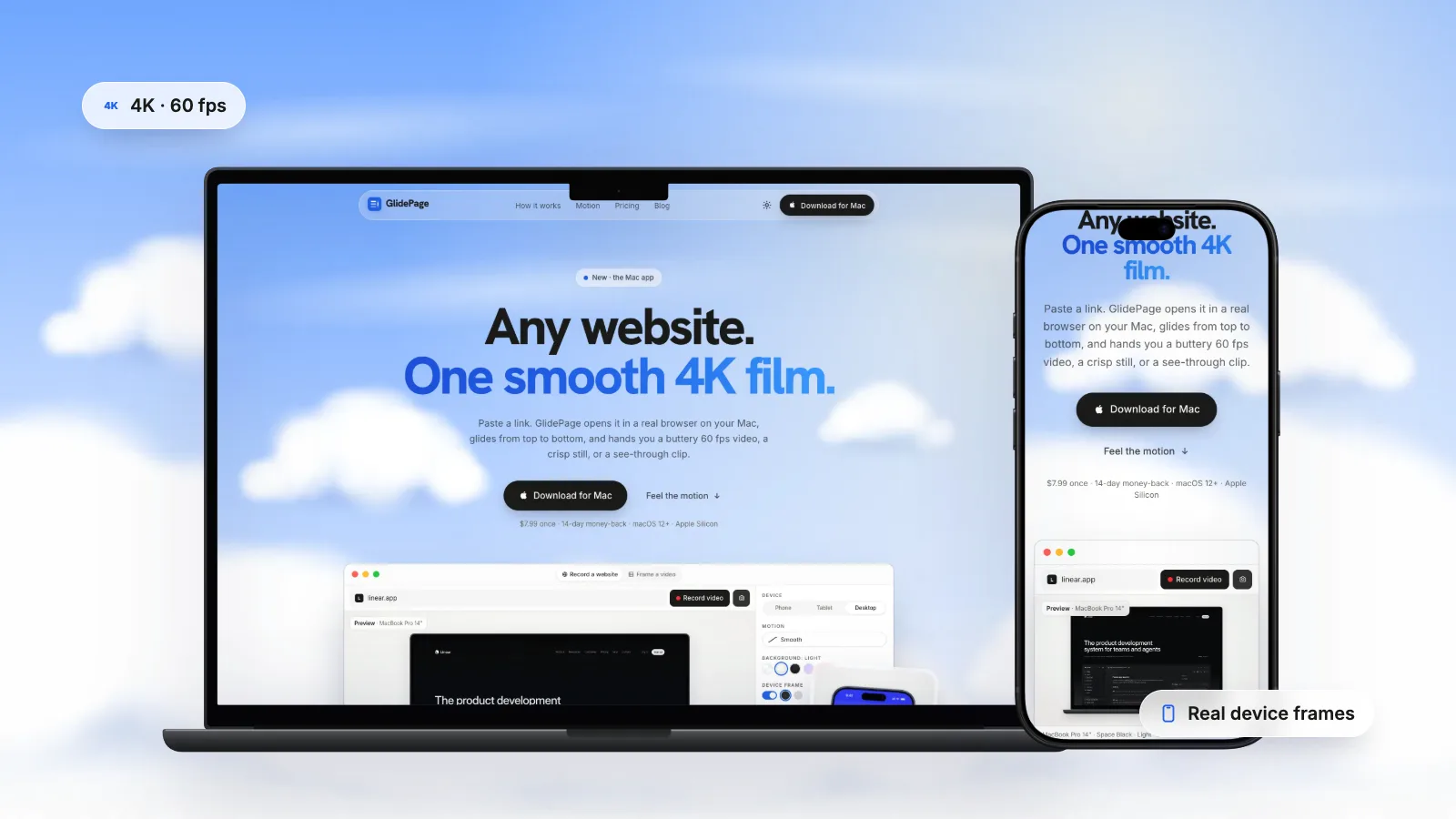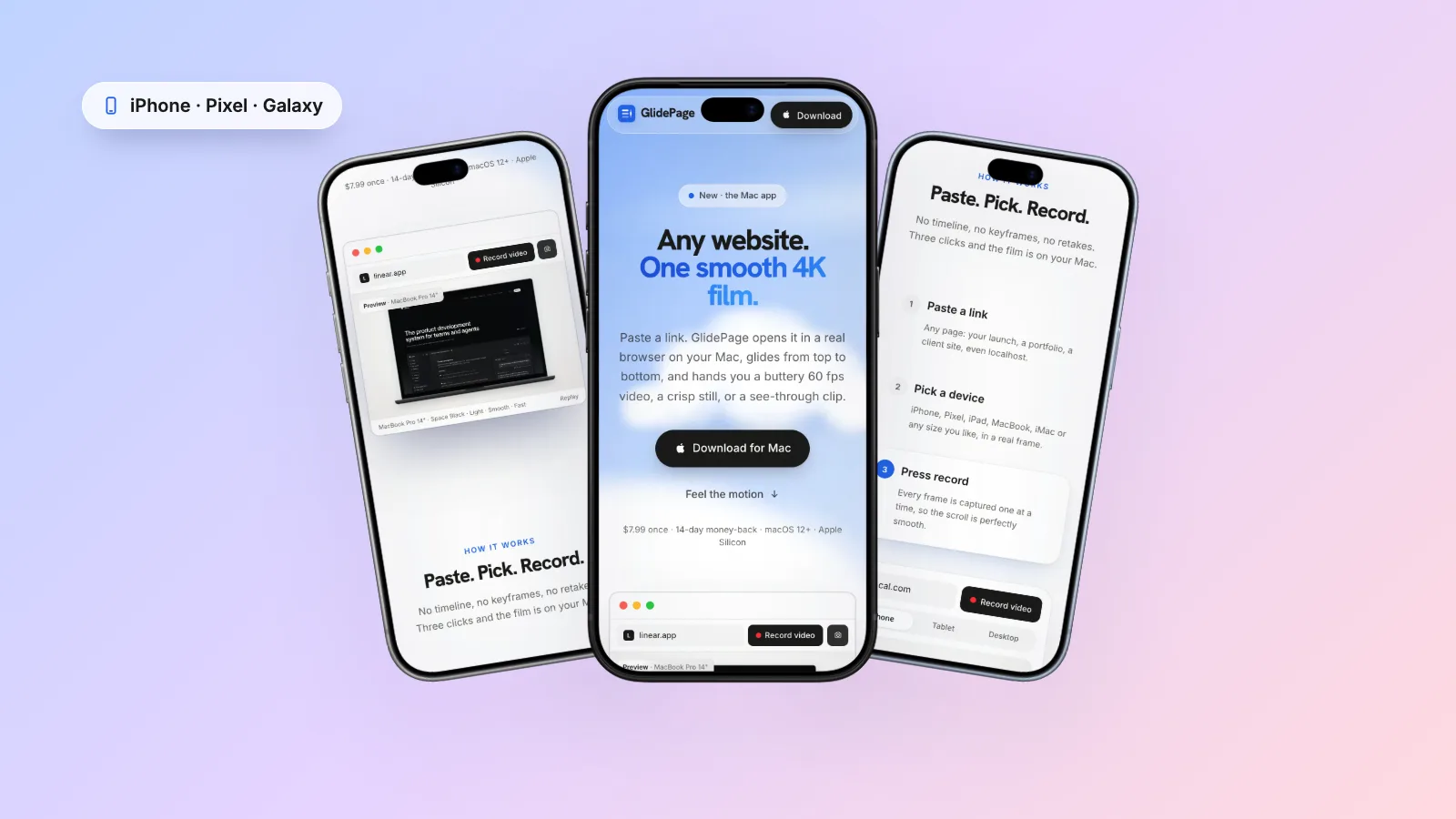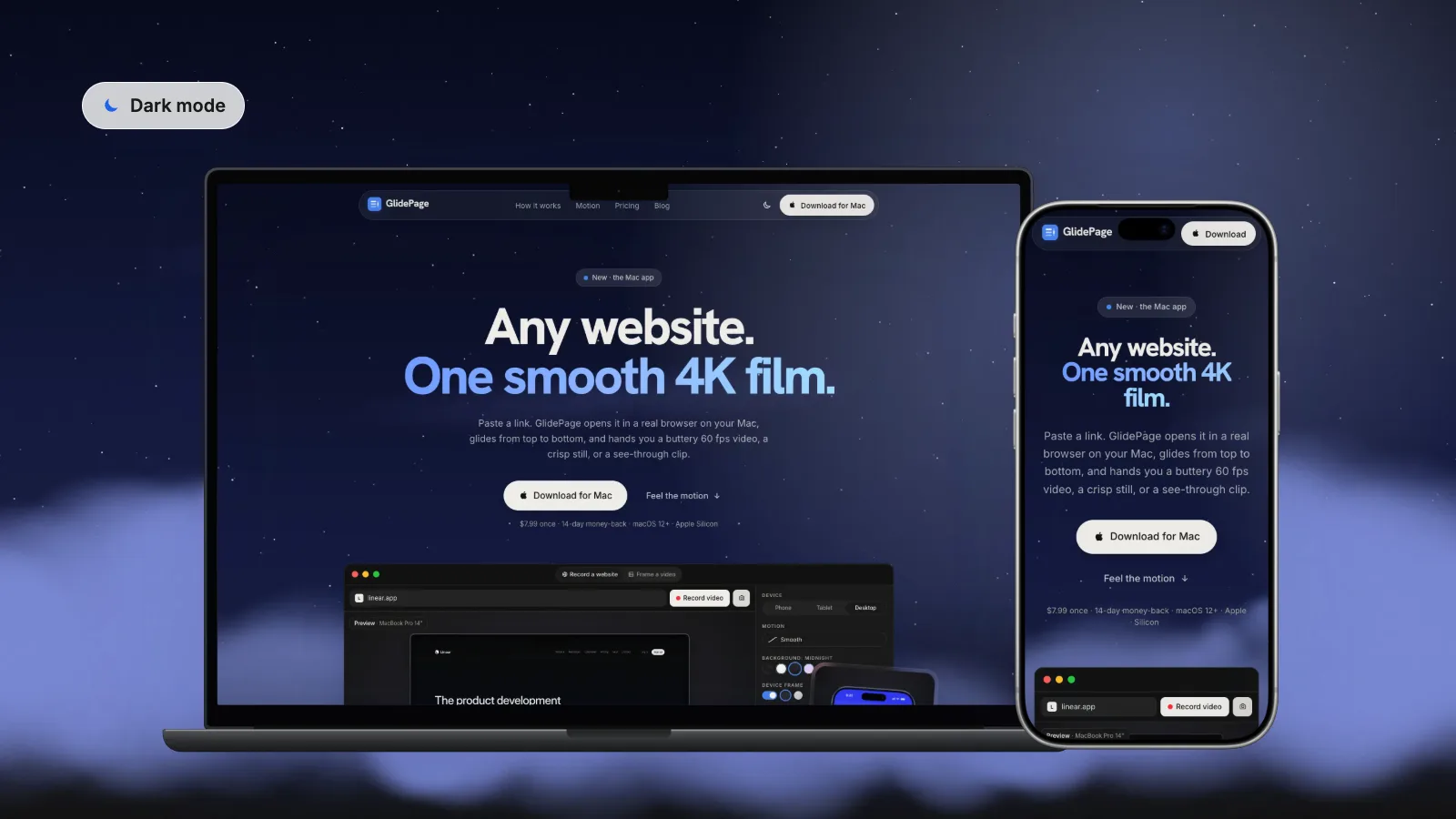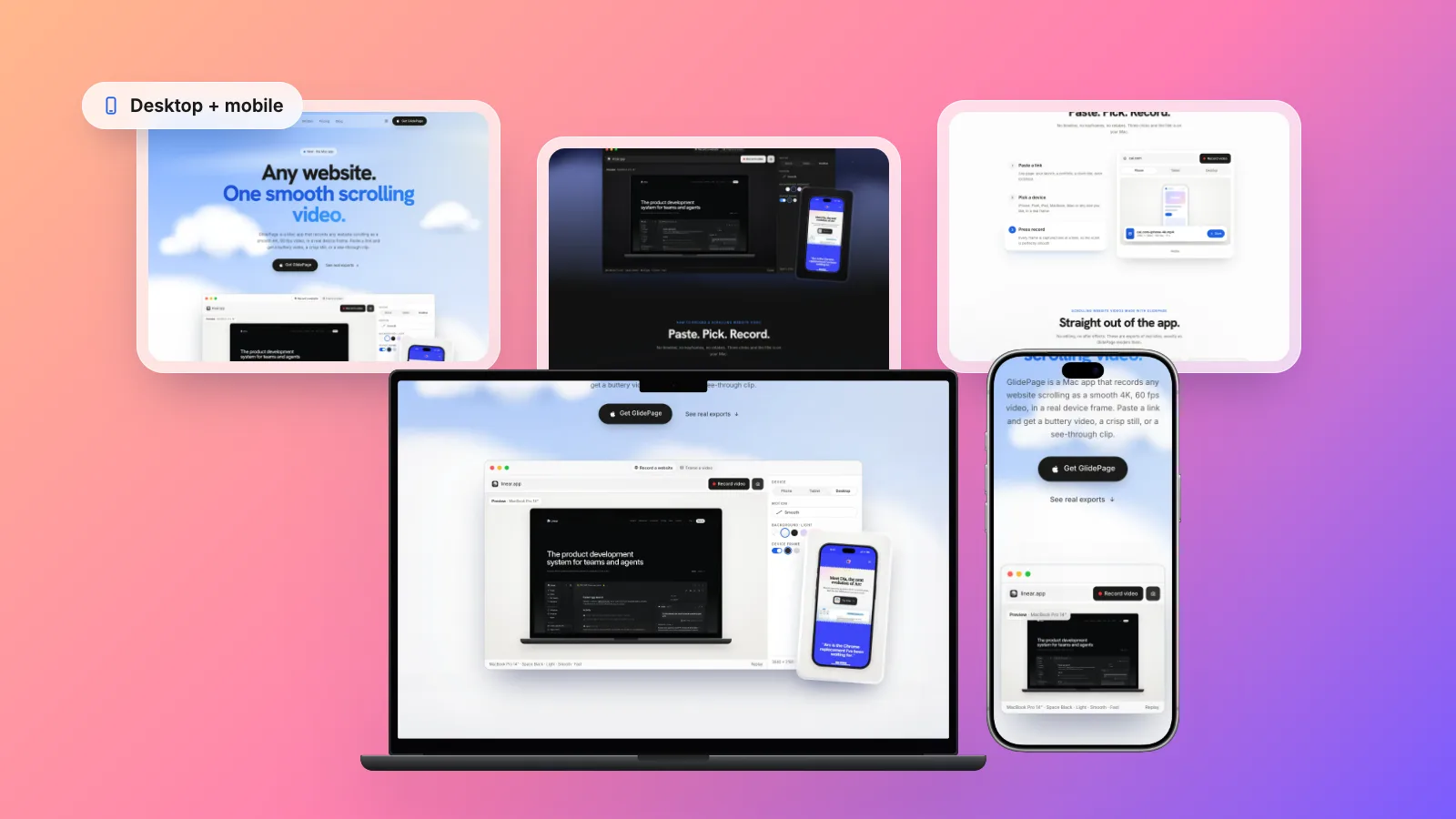
A template or theme listing usually needs a short scrolling video plus desktop and mobile screenshots of the live demo, each sized to the marketplace's rules. The Shopify Theme Store asks for a 1000 × 1248 or 2000 × 2496 desktop screenshot and a 750 × 1334 mobile screenshot with no backgrounds, text or browser windows, and any highlight video must be on YouTube. ThemeForest needs a working live preview, a 590 × 300 first preview image and a 3:2 cover image, and Etsy takes listing videos of 3 to 15 seconds, up to 100 MB, with the sound removed. You can make all of it by screen recording the demo and resizing screenshots by hand. GlidePage, a Mac app for Apple Silicon, records the public demo URL on phone and desktop as smooth 4K loops and takes matching stills at custom sizes, in light or dark mode.
On this page
Selling a theme or website template means selling something people cannot try before they buy. The listing does that work: a short video of the demo in motion, desktop and mobile screenshots, a cover image. Each marketplace wants its own sizes and has its own rules about backgrounds, text and hosting.
This guide collects the current requirements for the Shopify Theme Store, ThemeForest and Etsy, then shows how to produce the whole set from your live demo URL, with a checklist to run before you submit.
What each marketplace asks for#
These values come from each marketplace's own help pages, read on 30 September 2026. Rules change, so glance at the upload form before you export the final files.
Shopify Theme Store
| Asset | Size or length | Rules worth knowing |
|---|---|---|
| Demo store | One complete, fully working demo store per preset | Each preset gets its own listing, demo store and screenshots |
| Desktop screenshot | 1000 × 1248 px or 2000 × 2496 px | The home page. No desktop backgrounds, added text or browser windows. Alt text required |
| Mobile screenshot | 750 × 1334 px | The home page. It can't be a duplicate of the desktop screenshot |
| Key highlight video | Recommended length 2 minutes or less | Only the first of the three highlights can be a video. Must be hosted on YouTube; you submit the embed URL. No Shopify logo or name |
| Key highlight image | 1600 × 1200 px | Title up to 30 characters, description up to 140. No Shopify logo or name, no animated GIFs |
ThemeForest (Envato Market)
| Asset | Size or length | Rules worth knowing |
|---|---|---|
| Live preview | Required for web theme items | Must be fully functional. Buyers see it inside a frame on preview.themeforest.net, where browser privacy features can limit cookies and scripts |
| First image in the Theme Preview ZIP | 590 × 300 px, JPG or PNG | Named 01_ plus the file name; further images 02_, 03_ and so on. Extra images may be cropped to the same shape in search results |
| Cover image | 3:2. Recommended 2340 × 1560 px, minimum 1170 × 780 px, up to 20MB | JPEG, PNG, SVG or GIF. Avoid marketing text. For a website template, Envato suggests a screenshot of the live preview's home page |
| Preview images | Up to 15. Recommended 1170 px wide, at most 1500 px tall, at least 570 px wide | Optional, but Envato recommends three or more |
The cover and preview rules come from Envato's Item Presentation Requirements; the 590 × 300 rule from its page on adding screenshots to theme items. Envato's video preview rules are for video items: for a theme, the moving demo is the live preview.
Etsy
| Asset | Size or length | Rules worth knowing |
|---|---|---|
| Listing video | 3 to 15 seconds, up to 100 MB. MP4, MOV and other common formats | Up to two per listing. Sound is removed on upload. Minimum resolution 500 px, ideally 1080 px or more. Etsy's page gives the aspect ratio as 2:1 or 1:2 |
| Listing photos | At least 2000 px wide and tall recommended. First photo at least 635 px | First photo landscape or square. Transparent areas of a PNG show as black. Animated GIFs are not supported |
Etsy also warns that images over 1MB may not finish uploading on a slow connection, so a compressed JPEG is the safer choice for photos.
Get the demo site camera-ready#
Every asset comes from the same demo, so fix it once before you capture anything.
- Real content. Shopify requires authentic text on every demo page (no Lorem Ipsum or onboarding text) and a demo that matches the preset's industry and catalog size.
- Only what ships. Shopify demo stores may only show features built into the theme, and no apps. If a feature is in the video, it should be in the download.
- No text baked into images. Shopify also restricts images with embedded text or buttons, apart from text on physical products, infographics and badges.
- Rights to every asset. Shopify and Envato both require proper rights for images in the demo and previews, even ones not included in the download.
- Pop-ups and banners off. Switch off newsletter pop-ups, age gates and chat bubbles for the capture session, and deal with the cookie banner. Screenshots without cookie banners covers the options.
- No password in the way. A store behind its storefront password, or a staging site behind a login, records as a password screen in any tool that opens the page itself, unless the tool lets you sign in first.
- Your own URL. On ThemeForest, record the demo's own address rather than the marketplace preview page, so its bar is not in the shot.
- Light and dark. If the theme follows the visitor's system setting (the prefers-color-scheme media feature), you can capture both modes from one URL. If dark is a separate preset, it has its own demo URL and, on Shopify, its own listing. Record a website in dark mode explains how sites choose.
Plan one shoot for every asset#
Most of the set comes from two loops and a handful of stills:
| Asset | Device or size | Frame and background | Finish |
|---|---|---|---|
| Shopify desktop screenshot | Custom size 1000 × 1248 | No frame, no background | Scale to 2000 × 2496 or 1000 × 1248 |
| Shopify mobile screenshot | Custom size 375 × 667 | No frame, no background | Scale to 750 × 1334 |
| Shopify highlight image | Laptop or phone | Frame on a background, 4:3 | Scale to 1600 × 1200 |
| Shopify highlight video | Laptop and phone loops | Frame on a background, 16:9 | Edit together, upload to YouTube |
| ThemeForest cover | Laptop, or laptop and phone | Frame on a light background, 16:9 | Crop to 3:2 |
| ThemeForest first preview image | Laptop | Frame on a light background, 16:9 | Crop a little shorter, scale to 590 × 300 |
| Etsy listing video | Laptop or phone | Frame on a background | 15 seconds or less |
| Etsy photos | Laptop and phone | Frame on a solid background | JPEG, at least 2000 px each side |
Keep the frame colour, background and scroll positions consistent so the listing reads as one piece of work, as in web design portfolio videos.
Recording the loops by hand#
The free route uses the Mac's built-in screen recording and your browser's responsive design mode:
- Size the viewport. For the desktop loop, type an exact width and height in the browser's responsive mode. For the mobile loop, pick a phone preset so the theme switches to its mobile layout.
- Warm the page up. Scroll to the bottom once so lazy images load and one-time animations run, then go back to the top.
- Record only the page. Record a selected portion around the viewport, leaving out the tabs and address bar, and scroll with one long, gentle trackpad swipe.
- Take the stills at the same size. A screenshot of just the viewport gives a clean page capture with no browser window.
- Frame and trim. Place the clips in device frames in Keynote or a video editor, and trim each end.
It is free, with the usual weak spots: hand scrolling wobbles, heavy pages drop frames, and resolution is capped at your display. How to make a scrolling video of a website compares the methods, scrolling website mockups covers framing in Keynote, and mobile website mockup videos covers the phone layout.
Recording the loops with GlidePage#
GlidePage is a Mac app that turns a link into a smooth scrolling video or a sharp still, so the whole set can come from the public demo URL:
- Any device, or an exact size. Current iPhones, Pixels and Galaxy phones, iPads, MacBooks and iMac, or a custom size from 320 to 3840 px per side. Phone devices load the page with a real phone user agent and viewport, so the theme shows its mobile layout.
- 4K at 60 fps, perfectly even. Frames are captured one at a time, so the scroll stays smooth however heavy the demo is. Of the six motion curves, Page by page pauses on each screen, which suits a home page built from sections.
- Frames and backgrounds. Real device frames in their real colours on Light, Midnight, Aurora, Sunset or your own colour or gradient, at 16:9, 9:16, 1:1, 4:5 or 4:3. Or no frame and no background, for plain page captures.
- Photo mode. A 4K PNG still from any point on the page, with the same device and settings as the video.
- Light and dark. The page theme setting records sites that follow the system setting in either mode.
- Cookie banners hidden by default. Common consent banners are blocked, and anything left over (age gates, newsletter popups, chat bubbles) you can close in Take control or remove with Hide element.
- Password pages are fine. Enter the storefront password in Take control; the recording keeps the session.
Some limits matter for theme demos. It records a top-to-bottom scroll only, so hover effects, quick-view pop-ups and cart drawers need a screen recording of their own. Reveal animations that play once are already in place, because GlidePage scrolls through the page first to load everything; ones that replay whenever an element enters the view play on camera. Staging sites behind HTTP basic auth are not supported, and it adds no text, captions or music.
In one test on a MacBook Air M4, a 22.7-second 4K, 60 fps laptop clip rendered in about 4.5 minutes; the HD, 30 fps version took about 2.5, which suits drafts. Nothing is uploaded. It needs an Apple Silicon Mac with macOS 12 or later.
Matching stills at the exact sizes#
Shopify desktop and mobile screenshots
Shopify wants the page itself, so capture it unframed:
- Choose a custom size of 1000 × 1248, with no frame and the background set to none.
- In photo mode, stay at the top of the home page and take the still. It saves as a 4K PNG with the same proportions as the custom size.
- Scale it to exactly 2000 × 2496 (or 1000 × 1248) in Preview or any image editor. The shape already matches, so nothing is cropped or stretched.
- Repeat with a custom size of 375 × 667 and scale the result to 750 × 1334.
Check the desktop still: some themes switch to a tablet layout below a certain width. If yours does at 1000 px, use a wider size with the same shape, such as 1250 × 1560, and scale down the same way. A custom size sets the viewport width, which a responsive theme uses to choose its mobile layout; if your theme detects phones some other way, use a phone device with the frame off and crop to shape.
Framed stills for highlights, covers and Etsy
- Shopify highlight images: a device frame on a background at 4:3, scaled to 1600 × 1200. The no-background rule applies only to the demo store screenshots.
- ThemeForest cover: a 16:9 still on a light background is 3840 × 2160. Cropped to 3:2 it is 3240 × 2160, well above the recommended 2340 × 1560.
- Etsy photos: always on a solid background, because Etsy shows transparent areas as black. A 16:9 4K still clears the 2000 px recommendation on both sides; save it as JPEG.
- Light and dark pairs: take both at the same scroll position, so they work side by side.
Where text and captions go#
Words are a separate step, and these marketplaces leave less room for them than you might expect:
- Shopify: no added text on screenshots. Highlight titles (30 characters) and descriptions (140) are form fields, so highlight images can stay clean. Video titles are fine, without the Shopify name or logo.
- ThemeForest: Envato asks for little marketing text on the cover, since images of the item itself tend to perform better. Extra detail is welcome on later preview images.
- Etsy: sound is removed on upload, so any message has to be on screen, in a few large words that read on a phone.
Add titles to video in iMovie, Final Cut Pro, Premiere Pro or DaVinci Resolve, and to stills in any image editor or design tool template.
Hosting and uploading#
- Shopify: upload the edited video to YouTube and paste its embed URL (youtube.com/embed/ followed by the video ID). Two minutes is plenty for a desktop loop, a mobile loop and a few feature shots.
- ThemeForest: the live preview runs on your own hosting, and the numbered images go in the Theme Preview ZIP. Envato suggests testing the live preview in several browsers with the developer tools open, since privacy settings can change how it behaves in the preview frame.
- Etsy: upload under Photo and video when you edit the listing. In our tests a 22.7-second 4K laptop clip was 26.9 MB and a 31.4-second 4K phone clip was 71.0 MB, so a 15-second clip should sit well under the 100 MB limit.
Pre-submission checklist#
- Real demo content, with rights to every image.
- One desktop and one mobile screenshot per Shopify preset, at 1000 × 1248 or 2000 × 2496, and 750 × 1334, each with alt text.
- No browser windows, desktop backgrounds or added text in Shopify screenshots, and the mobile one is not a copy of the desktop one.
- Shopify highlight images at 1600 × 1200, with no animated GIFs and no Shopify name or logo.
- Highlight video on YouTube, embed URL copied, 2 minutes or less.
- ThemeForest first preview image at 590 × 300 named 01_, cover at 3:2, live preview tested in the preview frame.
- Etsy video 3 to 15 seconds, under 100 MB, clear with the sound off; photos on a solid background.
- Light and dark versions captured at the same positions, if the theme has both.
- No cookie banners, pop-ups or chat bubbles in any frame.
Get the demo right once and every asset follows from it. By hand is fine for one theme a year; if you ship presets often, a tool that makes framed loops and exact-size stills from the demo URL saves the fiddly part.
Sources
- Shopify Dev: Theme Store listing page (screenshots and key highlights) (checked September 2026)
- Shopify Dev: Theme Store requirements (demo stores) (checked September 2026)
- Envato Author Help Center: Item Presentation Requirements (checked September 2026)
- Envato Author Help Center: Adding Key Features and Additional images to your items (checked September 2026)
- Etsy Help: How to Add Listing Videos (checked September 2026)
- Etsy Help: Requirements and Best Practices for Images in Your Etsy Shop (checked September 2026)



Make your site move.
Any page, one smooth 4K video. Framed, on any background, or transparent.
Questions, answered
What size are Shopify Theme Store screenshots?
Shopify asks for one desktop and one mobile screenshot of each demo store's home page. The desktop screenshot must be 1000 × 1248 or 2000 × 2496 pixels and the mobile one 750 × 1334 pixels, with no desktop backgrounds, added text or browser windows. Key highlight images are a separate asset at 1600 × 1200 pixels.
What size is the ThemeForest preview image?
Envato's help centre says the first image in a theme's Theme Preview ZIP must be 590 × 300 pixels, in JPG or PNG, named with 01_ at the start. Its presentation guidelines also describe a 3:2 cover image, recommended at 2340 × 1560 pixels with a minimum of 1170 × 780. Check the upload form for your category before exporting.
How long can an Etsy listing video be?
Etsy's help page says listing videos may be 3 to 15 seconds long, up to 100 MB, and the sound is removed once uploaded. You can add up to two videos per listing, and Etsy recommends a resolution of at least 1080 pixels.
Can I use a GIF instead of a video for a theme preview?
It depends on the marketplace. Shopify does not allow animated GIFs as key highlight images, and Etsy does not support animated GIFs in listings. Envato accepts GIF files for cover and preview images, but a short MP4 is usually sharper and much smaller than a GIF of the same scroll.
Where do I host a Shopify theme preview video?
On YouTube. Shopify requires highlight videos to be hosted there and asks for the embed URL, which is youtube.com/embed/ followed by the video ID. Shopify recommends keeping the video to 2 minutes or less.
Can GlidePage record a demo store that is still password protected?
Yes, if the password is typed into the page. Open Take control, enter the storefront password on the password page, click Done and record: the recording keeps the session. Staging sites behind HTTP basic auth, where the browser itself asks for a username and password, are not supported.