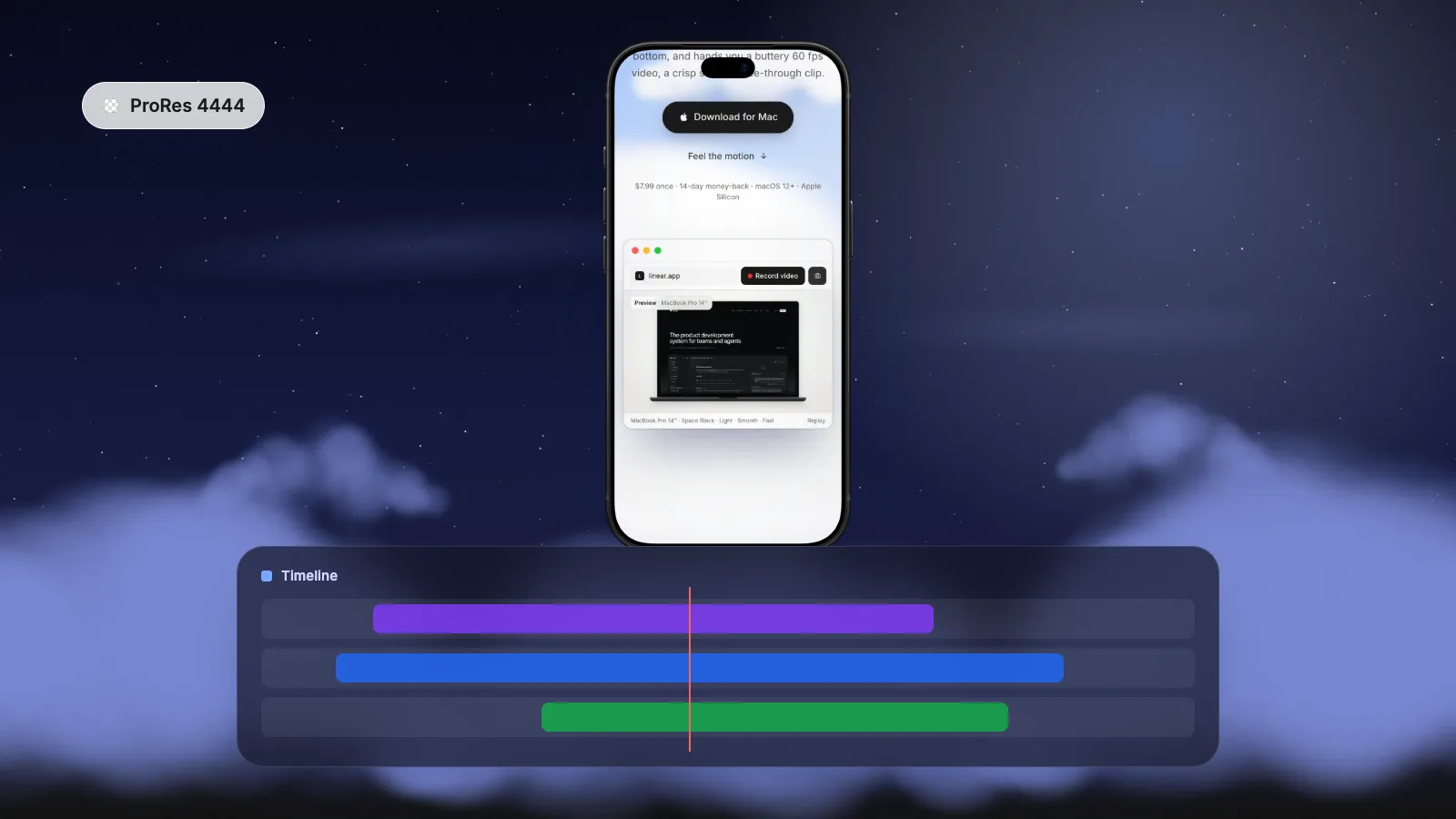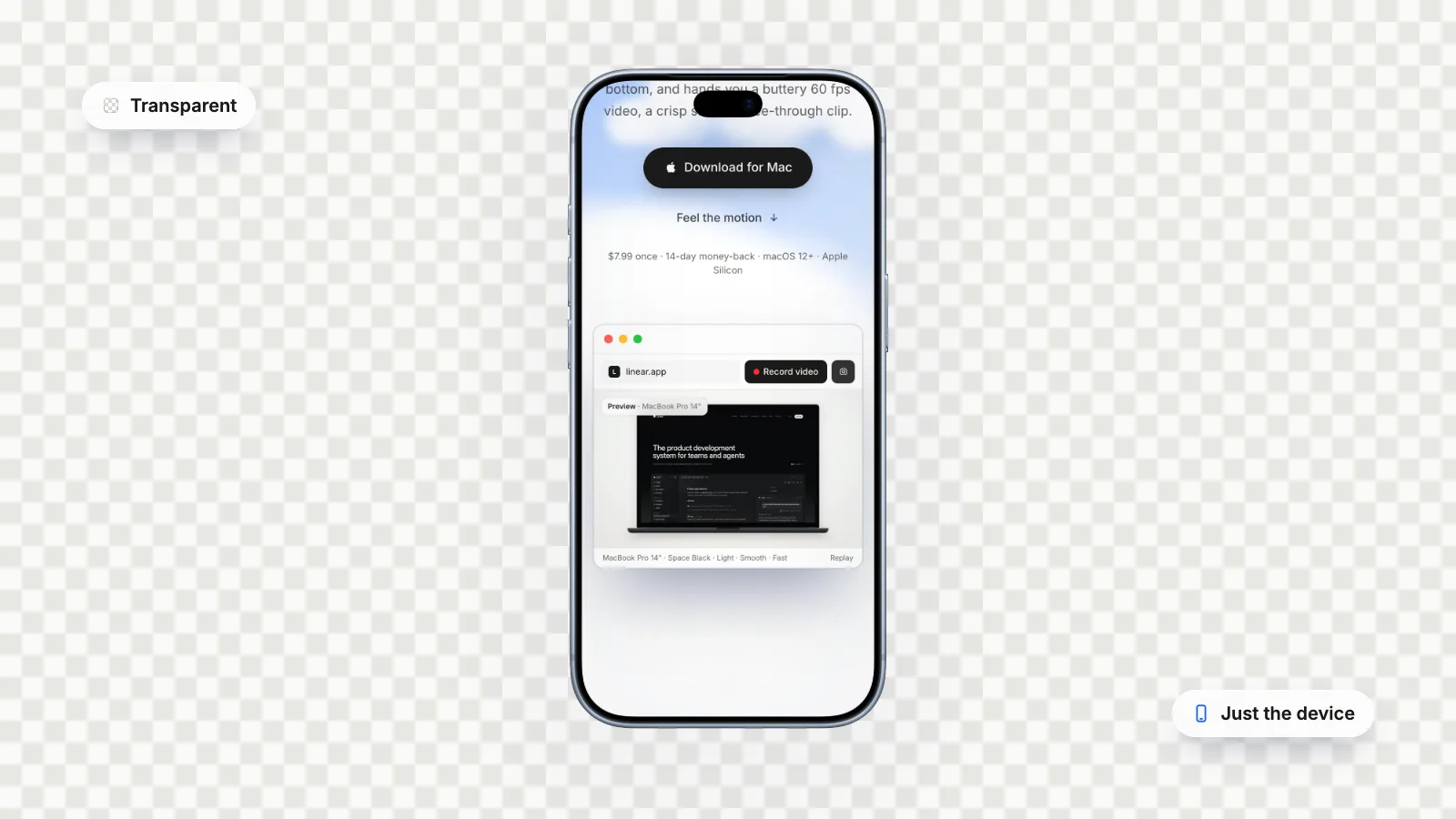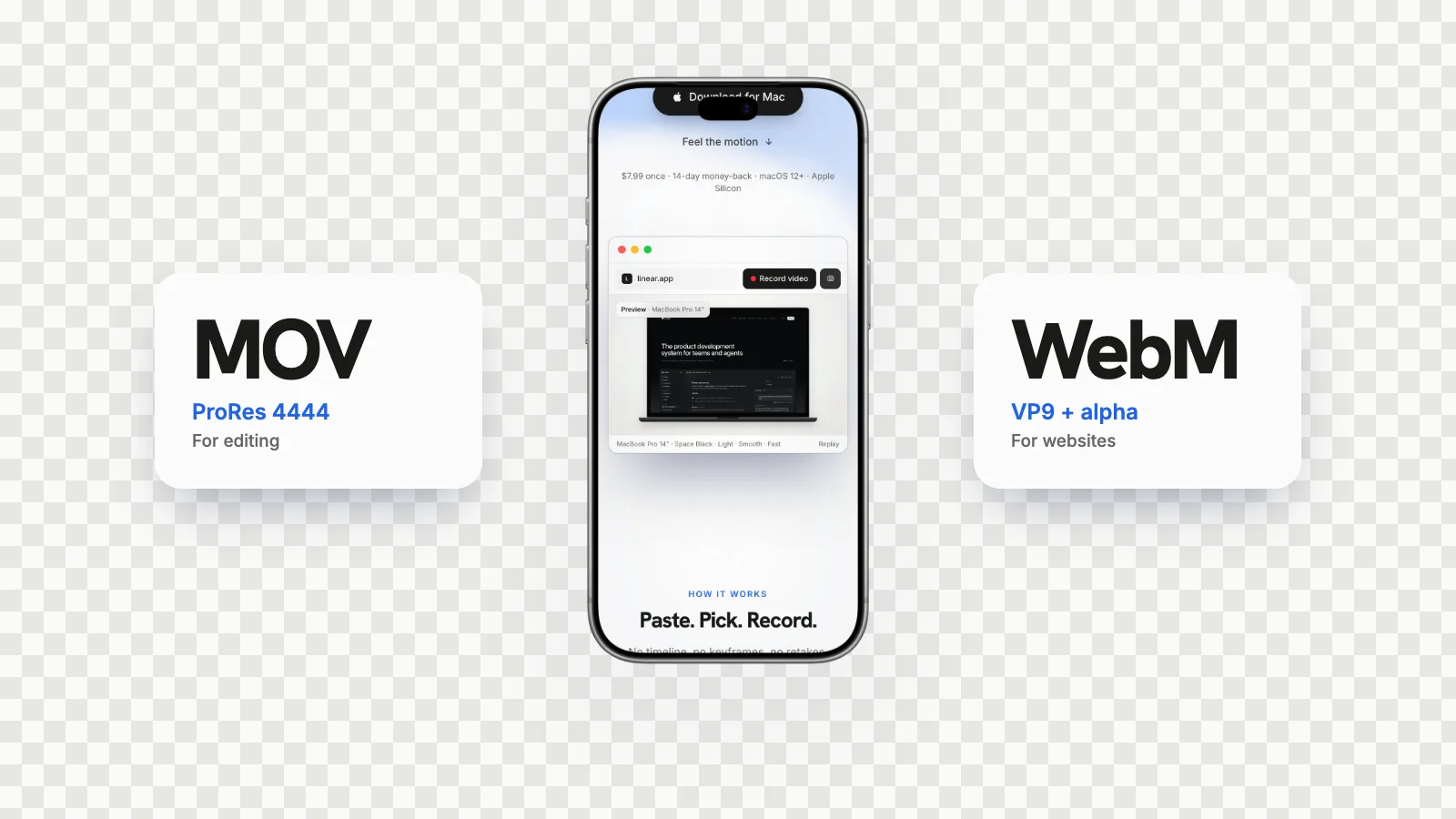
Use ProRes 4444 for editing and WebM with alpha for the web. ProRes 4444 is a near-lossless MOV with a mathematically lossless alpha channel that Final Cut Pro, Premiere Pro, DaVinci Resolve and After Effects read, but the files are very large. VP9 WebM with alpha is small and plays transparent in Chrome, Edge and Firefox, but Safari (including Safari 27.0) plays it without transparency, so Safari needs HEVC with alpha, which you can make from a ProRes 4444 file in QuickTime Player. GlidePage, a Mac app for Apple Silicon, exports transparent device videos as ProRes 4444 MOV or VP9 WebM, but not HEVC.
On this page
- ProRes 4444 vs WebM with alpha at a glance
- What ProRes 4444 is, and why it is so big
- What WebM with alpha is
- HEVC with alpha: Apple's answer for Safari
- Browser support for transparent video in 2026
- Which format should you use?
- Two things that trip people up
- Converting between them
- Getting both files from GlidePage
- Where to go next
You exported a transparent video and now have a choice: a ProRes 4444 MOV that is hundreds of megabytes, or a WebM with alpha that is a fraction of the size. It is tempting to pick the small one and move on. But these formats were built for different jobs, and using the wrong one gets you a black background, a file your editor refuses to open, or a page that takes forever to load.
This guide compares the two, adds the third option most comparisons leave out (Apple's HEVC with alpha), and ends with a simple rule for which one to use where.
ProRes 4444 vs WebM with alpha at a glance#
| ProRes 4444 (MOV) | VP9 WebM with alpha | HEVC with alpha (MOV) | |
|---|---|---|---|
| Made for | Editing, compositing, exchanging masters | Playback in web browsers | Playback on Apple devices and in Safari |
| Compression | Virtually lossless | Lossy | Lossy |
| Alpha channel | Mathematically lossless, up to 16 bits | Lossy, like the colour | Lossy, like the colour |
| Colour | 4:4:4, up to 12 bits per channel | Usually 8-bit, 4:2:0 | Compressed for playback |
| File size | Very large | Small | Small to medium |
| Editing apps | Final Cut Pro, Premiere Pro, DaVinci Resolve, After Effects | Not a standard editing format; Final Cut Pro does not import it natively | Check your editor before relying on it |
| Browsers | Not a web format | Transparent in Chrome, Edge, Firefox; opaque in Safari | Transparent in Safari; not reliable elsewhere |
The pattern is simple. ProRes 4444 is a master. WebM and HEVC are delivery formats for screens. You usually want the master first, and a delivery copy made from it.
What ProRes 4444 is, and why it is so big#
Apple ProRes is a family of editing codecs. Most of the family (422 HQ, 422, LT, Proxy) stores only colour. Apple is explicit that ProRes 4444 and 4444 XQ are the only ProRes codecs that support alpha channels.
What you get in exchange for the size:
- Near-lossless picture. Apple describes ProRes 4444 as "perceptually indistinguishable" from the source, with full 4:4:4 colour up to 12 bits per channel. Fine text and sharp UI edges stay crisp.
- A lossless alpha channel. The alpha is mathematically lossless at up to 16 bits, so soft shadows and anti-aliased edges survive exactly.
- Built for editing. Apple designed it for exchanging motion graphics and composites, with excellent quality across repeated re-exports.
The cost is data. Apple's target for ProRes 4444 is about 330 Mbps at 1920 × 1080 and 29.97 fps, and 4444 XQ is about 500 Mbps. Go to 4K and 60 fps and the numbers climb. For reference, GlidePage's transparent 4K, 60 fps MOVs of website scrolls come out at roughly 40 MB per second, so a 20-second clip is around 800 MB.
That is perfectly normal for an editing master and completely wrong for a web page.
What WebM with alpha is#
WebM is an open, royalty-free video container designed for the web, and VP9 is the codec inside it for most modern WebM files. VP9 can carry an alpha channel alongside the colour, and browsers that support it composite the video straight onto the page.
What you get:
- Small files. VP9 is a lossy codec built for streaming, with quality comparable to HEVC at similar bit rates.
- Transparency in most browsers. A VP9 WebM with alpha plays transparent in Chrome, Edge and Firefox.
- No licensing questions. VP9 is open and royalty-free.
What you give up:
- Safari transparency. Safari plays WebM, but it ignores the alpha channel. MDN says it plainly for VP9: Safari does not support alpha transparency in this format, and caniuse still flags Safari 27.0, released in September 2026, as "does not support alpha transparency". The video shows up, on an opaque background.
- Editing support. WebM is not a standard editing format. Final Cut Pro's list of supported formats does not include it, so editors should work from the MOV.
- Some colour detail. VP9's main profile is 8-bit with 4:2:0 chroma subsampling. That is fine for playback, but it is not a master.
HEVC with alpha: Apple's answer for Safari#
Apple added alpha channel support to HEVC (H.265) in 2019. Playback works on macOS Catalina, iOS 13 and tvOS 13 and later, and Safari supports it on web pages. It keeps HEVC's efficient compression, so files are far smaller than ProRes 4444.
That makes HEVC with alpha the missing piece for the web: WebM for Chrome, Edge and Firefox, HEVC for Safari.
There are two catches:
- Other browsers can decode HEVC now, but that does not mean alpha. Chrome decodes HEVC on macOS Big Sur and later, and Firefox supports it on some hardware. Neither documents support for HEVC's alpha layer, so a browser that picks the HEVC file can end up showing a solid background. Transparent video on a website shows how to serve each browser the right file.
- You may have to make it yourself. Many tools, GlidePage included, do not export HEVC with alpha. On a Mac, QuickTime Player can convert a ProRes 4444 MOV to HEVC and keep the transparency for free; how to make a transparent background video on Mac has the steps.
Browser support for transparent video in 2026#
| Browser | VP9 WebM with alpha | HEVC with alpha |
|---|---|---|
| Chrome and Edge | Transparent | Can decode HEVC on a Mac; alpha not documented, so test |
| Firefox | Transparent | HEVC only on some hardware; alpha not documented |
| Safari on Mac, iPhone and iPad | Plays, but without transparency | Transparent |
ProRes 4444 is left out on purpose: at hundreds of megabytes per clip, it is not something to put on a web page even where a browser could play it.
Which format should you use?#
| Where the video is going | Use | Why |
|---|---|---|
| Final Cut Pro, Premiere Pro, DaVinci Resolve or After Effects | ProRes 4444 MOV | Lossless alpha, full colour, and every major editor reads it |
| A web page for Chrome, Edge and Firefox visitors | VP9 WebM with alpha | Small and transparent in those browsers |
| A web page for Safari visitors | HEVC with alpha MOV | Safari ignores WebM alpha |
| A public website | Both WebM and HEVC, chosen per browser | Covers everyone, with a poster image as a fallback |
| An archive or master copy | ProRes 4444 (or 4444 XQ) | Convert to anything later without losing quality |
| LinkedIn, X, Instagram or YouTube | Neither: an MP4 on a background | Feeds play opaque video, so choose the background yourself |
A good habit is to keep the ProRes 4444 file as the master and treat everything else as a copy made from it. Going the other way, from a WebM or HEVC back to ProRes, cannot restore detail that the lossy compression already threw away.
Two things that trip people up#
Container vs codec: the mix-up behind most black backgrounds
A lot of confusion comes from treating the file extension as the format. It is only the container. What decides transparency is the codec inside it:
- A .mov is not automatically transparent. A MOV can hold ProRes 4444 (alpha), HEVC with alpha (alpha), ProRes 422 (no alpha) or H.264 (no alpha). Two MOVs with the same name pattern can behave completely differently.
- A .webm is not automatically transparent either. WebM files can be encoded with or without an alpha channel. If the encoder was not told to keep it, the file is opaque everywhere.
- "ProRes" is not enough. ProRes 422 HQ sits right next to 4444 in export menus and looks just as professional. It has no alpha channel.
When a transparent export arrives with a black background, check the codec first. On a Mac, open the file in QuickTime Player and choose Window → Show Movie Inspector (Command-I): it shows the file's compression format.
What lossy alpha looks like
Lossy compression treats the alpha channel like any other picture detail, so it gets simplified where the encoder thinks you will not notice. Hard edges, like the outline of a device frame, usually come through clean. Soft gradients are where you see it: a drop shadow that fades out can show faint banding or blocky steps, and the edge of a blurred glow can shimmer slightly between frames.
For most web use that is invisible at normal viewing size. If it is not, raise the bit rate for the WebM or HEVC copy, or simplify the shadow. And check it on both a light and a dark page background, because artifacts that hide on white often show on black.
Converting between them#
- ProRes 4444 to HEVC with alpha: QuickTime Player's File → Export As, with Use HEVC and Preserve Transparency selected. The Preserve Transparency option only appears when the source has an alpha channel.
- ProRes 4444 to WebM with alpha: you need an encoder that writes VP9 with alpha. ffmpeg is the usual free tool, but alpha settings are easy to get wrong, so always check the result in Chrome over a coloured background.
- WebM to ProRes 4444: possible with the same tools, but the result is only as good as the WebM. Re-export from the original project if you can.
Whatever you convert, test it where it will be used. A player that shows black behind the subject is not proof the alpha is missing, and a file that looks right in one browser can be opaque in another.
Getting both files from GlidePage#
If your transparent video is a website inside a device, GlidePage, a Mac app, gives you the master and the web copy without an editor in between.
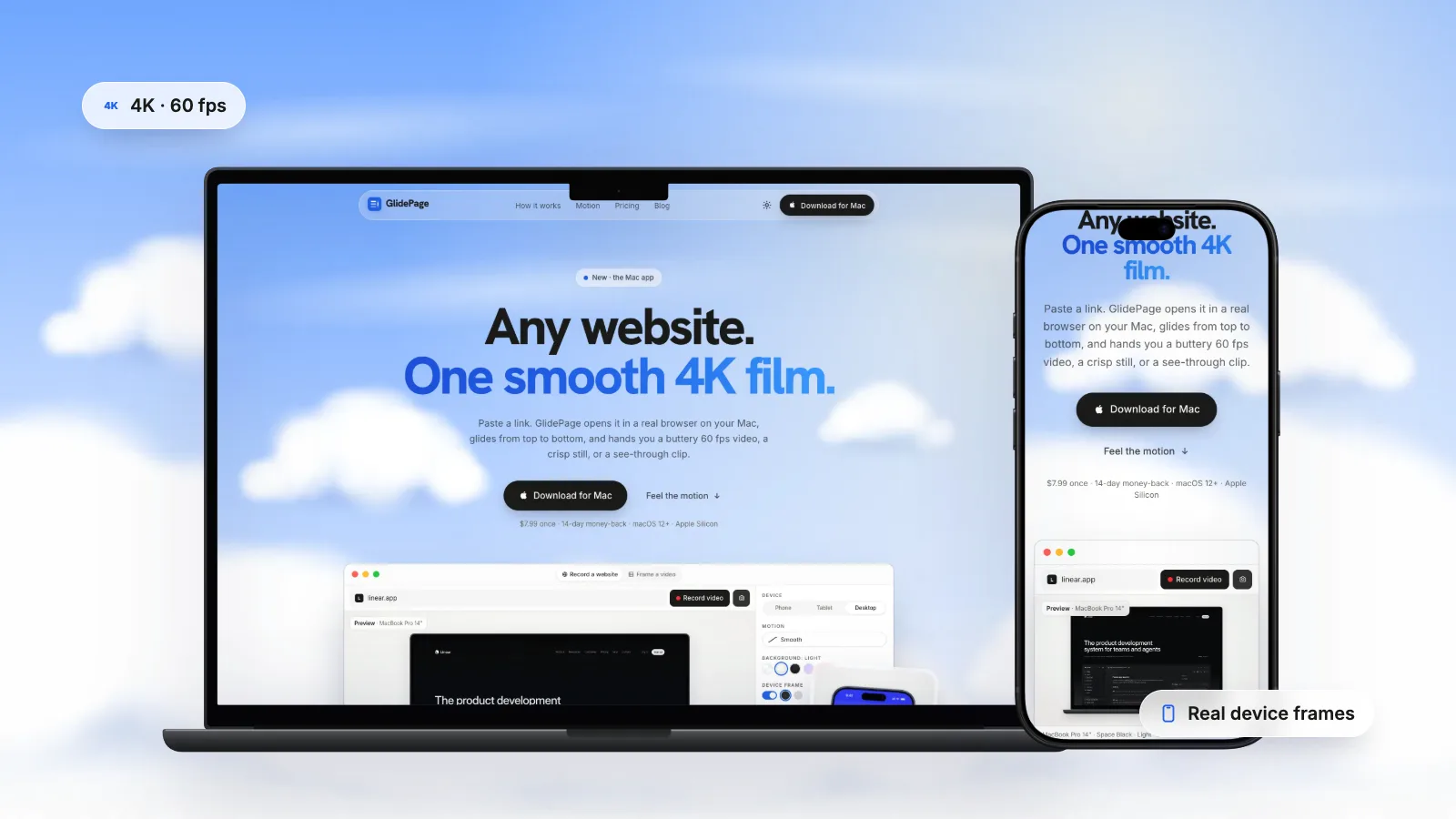
Paste a link, pick a device (current iPhones, Pixels, Galaxy phones, iPads, MacBooks, iMac and more, or a custom size), turn the frame on and set the background to None. The page is scrolled and captured frame by frame at 4K and 60 fps, so the motion is perfectly smooth. Then choose the file:
- ProRes 4444 MOV with alpha for Final Cut Pro, Premiere Pro, DaVinci Resolve and After Effects.
- VP9 WebM with alpha for websites, converted on request at 4K. It plays transparent in Chrome, Edge and Firefox; Safari plays it without transparency.
- Transparent PNG stills from photo mode, and PNG frame sequences in a ZIP for editors that prefer images.
GlidePage does not export HEVC with alpha. For Safari, convert the MOV with QuickTime Player as described above. Everything runs on your Mac (macOS 12 or later, Apple Silicon); pages and videos are not uploaded anywhere.
Where to go next#
- To put the MOV to work in an editor, see device mockups in Final Cut Pro and Premiere.
- To put the WebM (and an HEVC copy) on a page, see transparent video on a website.
- For export steps from Final Cut Pro, Motion and After Effects, see how to make a transparent background video on Mac.
- For the recording itself, how to make a scrolling video of a website covers devices, speed and motion.
The short rule to remember: ProRes 4444 to edit, WebM for most browsers, HEVC for Safari, and keep the ProRes file as the master.
Sources
- Apple Support: About Apple ProRes (checked September 2026)
- MDN: Web video codec guide (checked September 2026)
- Can I use: WebM video format (checked September 2026)
- Can I use: HEVC/H.265 video format (checked September 2026)
- Apple Developer: HEVC Video with Alpha (WWDC19) (checked September 2026)
- Final Cut Pro User Guide: Media formats supported (checked September 2026)



Make your site move.
Any page, one smooth 4K video. Framed, on any background, or transparent.
Questions, answered
What is the difference between ProRes 4444 and WebM with alpha?
ProRes 4444 is a near-lossless editing codec in a MOV, with a mathematically lossless alpha channel and very large files. WebM with alpha uses the lossy VP9 codec to make small files for web browsers. Use ProRes 4444 in editing apps and WebM on web pages.
Does Safari support WebM transparency in 2026?
No. Safari plays WebM video, but it ignores the alpha channel, so a transparent WebM shows on an opaque background. caniuse still lists Safari 27.0 as not supporting WebM alpha. Serve Safari an HEVC with alpha file instead.
Why are ProRes 4444 files so big?
Because ProRes 4444 is designed as a near-lossless master: full 4:4:4 colour at up to 12 bits and a lossless alpha channel of up to 16 bits. Apple's target data rate is about 330 Mbps at 1080p and 29.97 fps, and 4K at 60 fps is much more.
Can Final Cut Pro import a WebM with alpha?
Not natively. WebM is not on Final Cut Pro's list of supported media formats, although macOS media extensions can add third-party formats on macOS Sequoia or later. For editing, use a ProRes 4444 MOV, which Final Cut Pro reads with its alpha channel.
What is HEVC with alpha?
It is Apple's version of HEVC (H.265) with an alpha channel, supported since macOS Catalina and iOS 13. Safari plays it with transparency, and it is much smaller than ProRes 4444. You can make one from a ProRes 4444 file in QuickTime Player by exporting with Use HEVC and Preserve Transparency selected.
Which format should I use for a transparent video on my website?
A VP9 WebM with alpha for Chrome, Edge and Firefox, plus an HEVC with alpha copy for Safari, with a small script or careful source setup so each browser gets the right one. Add a poster image so there is something to see while the video loads.